22 /55
3.3 Country
Please select Australia ONLY.
3.4 TV Connection
Please select the DTV signal mode you are suing Air, Cable or Satellite. Generally, home
users are using Air.
3.5 Auto Search
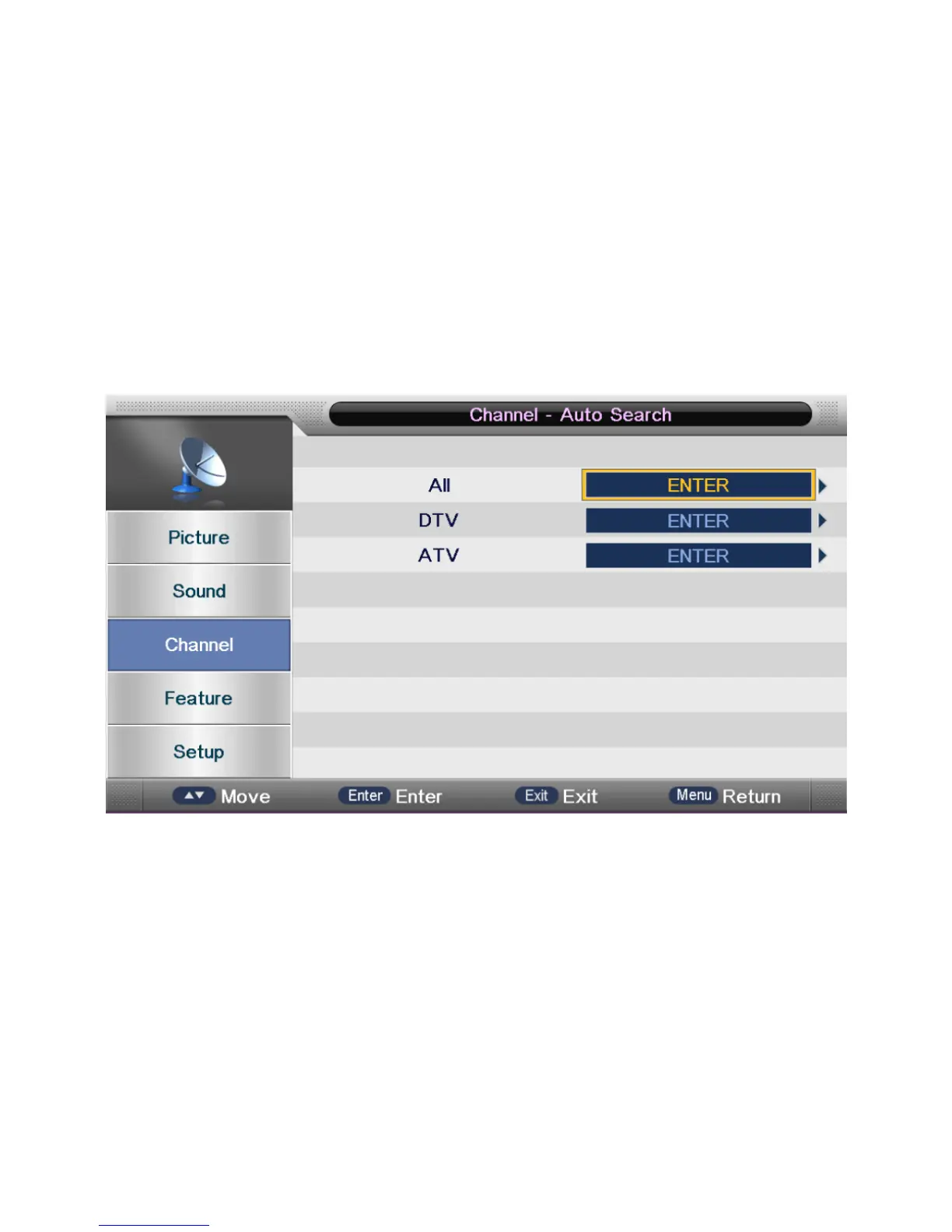
Select “Auto Search” item to enter auto search user operation interface as following:
All: Scan Both Digital and Analog Signal.
Digital Mode: Only scanned Digital Signal
Analog Mode: Only scanned Analog Signal
Note: You can skip or stop the auto search by clicking “EXIT” or “MENU” key.


 To Next Page