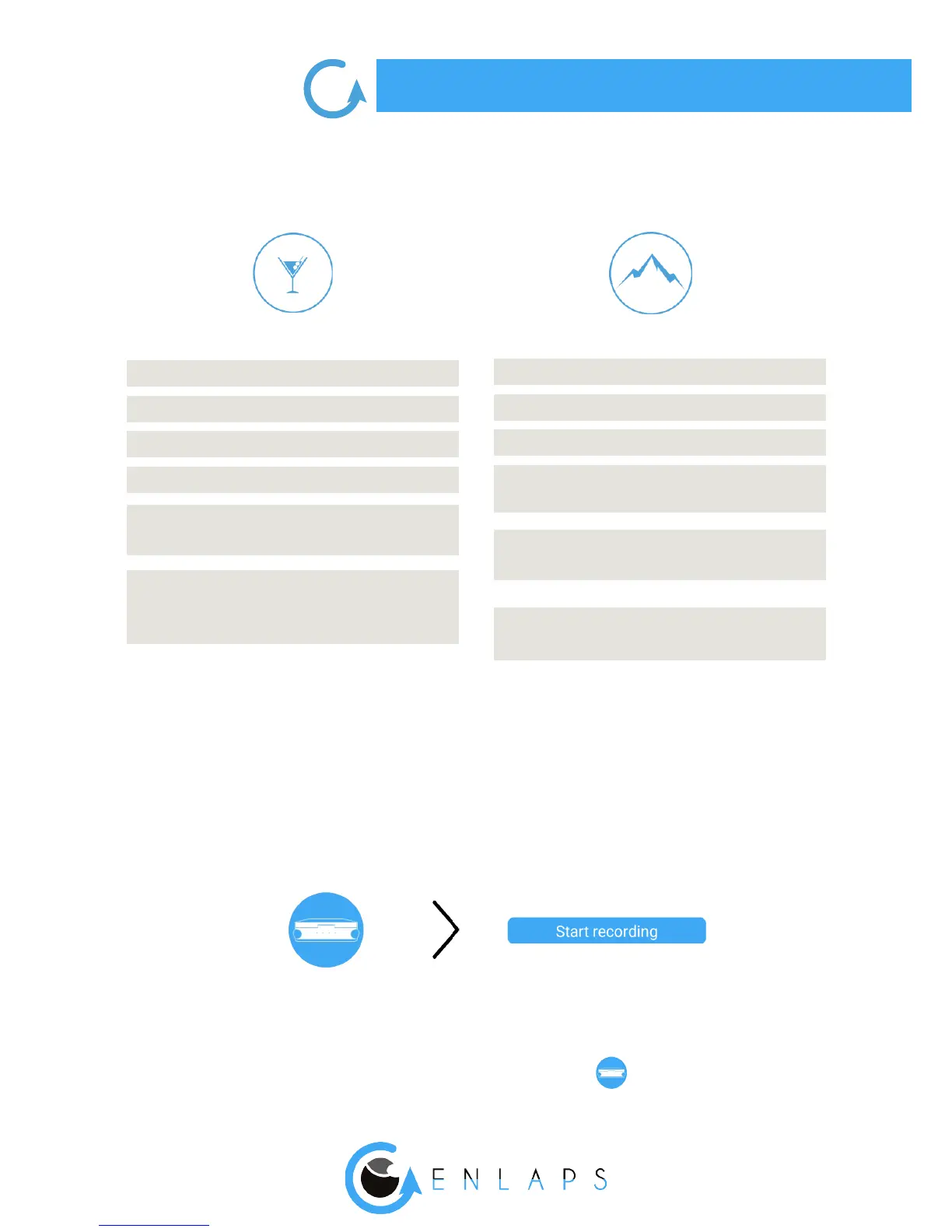
SHORT TERM
Minimum interval
Maximum interval
DNG format
Max. duration
Shooting during
a period of the day
Upload of photos
on the web app
6s
45s
No
2.500 photos
No
Yes once timelpase
ended
MEDIUM AND LONG TERM
Minimum interval
Maximum interval
DNG format
Max. duration
Shooting during
a period of the day
Upload of photos
on the web app
1 min
24h
Yes (TikeePRO)
Innite (depends on
the interval and the sunshine)
Yes *
Yes **
* Set 00h00 for shooting 24/24
** Every 25 images and at least once a day
Once your timelapse sequence is congured, launch it from the mobile application by clicking
on ‘’Start recording’’ or by pressing the button ‘’Trigger’’ on your Tikee (see corresponding
chapter).
Choose the type of sequence and set it up.
The timelapse will start at the time you set.
You can put an end to an ongoing sequence by pressing again the ‘’Trigger’’ button.
You can check the status of your Tikee at any time by clicking on:



 To Next Page