Viewing the timelapse and sharing mode
Private mode
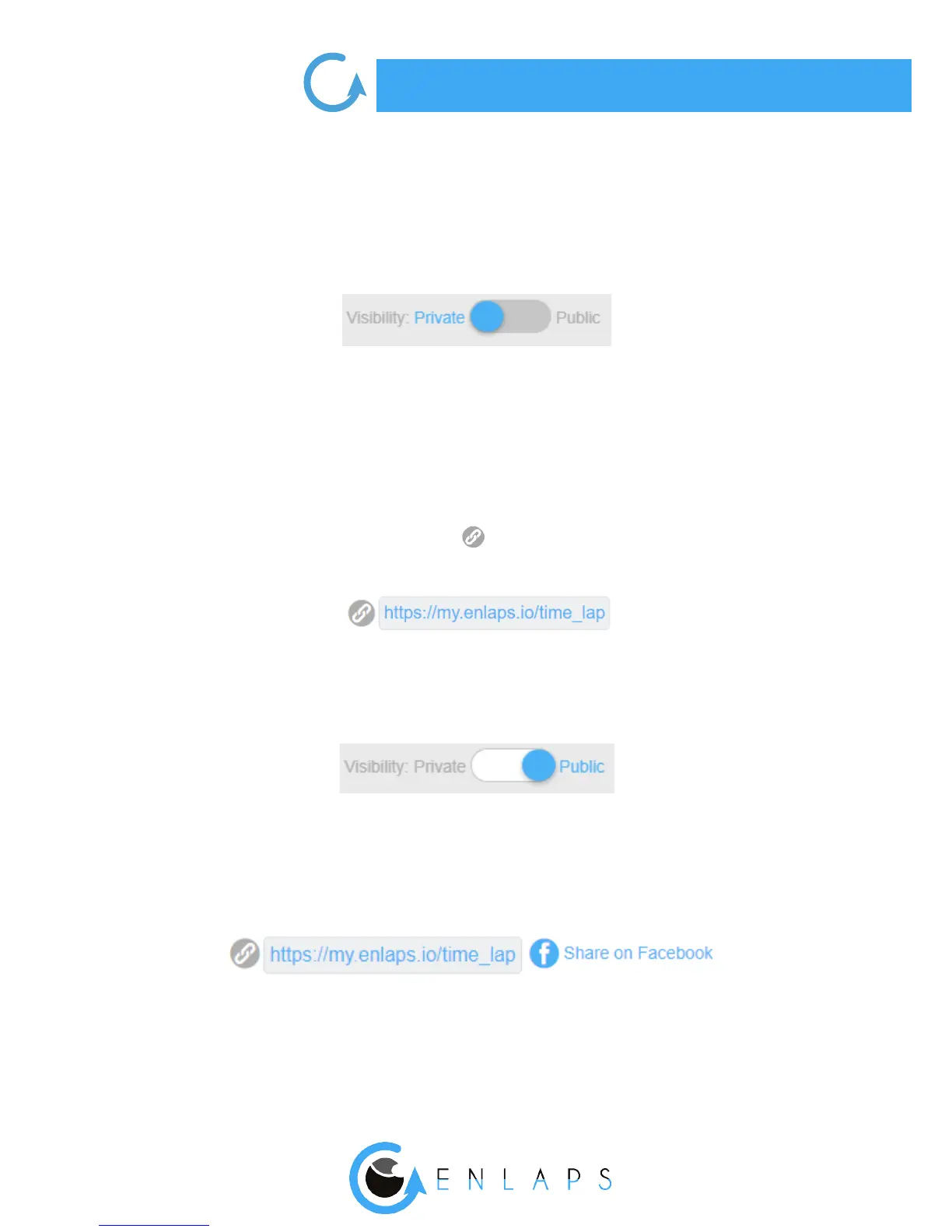
By default your timelapse is in ‘’Private’’ mode which means that only the owner of the account can
view the timelapse.
Private mode with sharing link (PREMIUM)
If you have a PREMIUM account, you can share your timelapse with Enlaps users only (or not) with a
private link non discoverable.
To get the link: go to the page where you can view your timelapse. Under the viewing screen you
can manage sharing parameters. By clicking on you copy the link.
Public mode
When your timelapse sharing mode is ‘’Public’’ , everybody with the link (Enlaps users or not) can
view and share your timelapse.
It can also be watched in the ‘Community’ timelapses section.



 To Next Page