2. Supply and Transportation
2.1. Trusted delivery
To help assure the integrity of the product during delivery a trusted courier service
should be used that provides traceable delivery progress reporting and requires signed
acceptance of delivery. Inspect the packaging for signs of tampering e.g. packing tape
appears to have been removed or cut and then resealed. If tamper is detected,
quarantine the package and notify your Security Officer in line with your Security
Incident and Response procedures. Similar methods must be deployed by you for any
further transportation of the product during its lifetime. If you utilize a protective
marking scheme, the relevant protective marking must be deployed during
transportation to provide the required level of integrity.
2.2. Tamper inspection
Upon receipt of the nShield HSM, it must be inspected for signs of tamper:
•
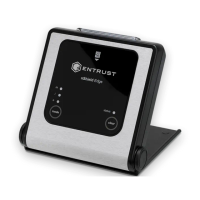
nShield Edge: Inspect the USB cable and the nShield Edge before use. The
inspection should cover the cable for signs of tampering, the fascia for signs of
disfigurement and specifically the holographic tamper label in the tamper window
shown below for the appearance of VOID.
The nShield Edge Developer Edition does not have a hologram and
tamper window.
•
nShield Solo and nShield Solo XC: Examine the epoxy resin security coating (after
removing the metal lid on nShield Solo XC) of the module for obvious signs of
damage.
•
Smart card reader: Examine the smartcard reader for signs of tamper and ensure it is
directly plugged into the module or into the port provided by any appliance in which
the module is integrated and the cable has not been tampered with.
•
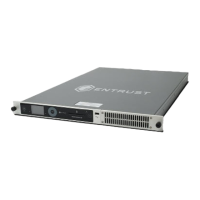
nShield Connect: The nShield Connect Physical Security Checklist, provided in the
box with an nShield Connect and available in the document folder on the installation
media provides details of the physical security checks required. Further guidance on
nShield® Security Manual 8 of 90


 To Next Page