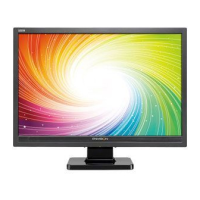
EN-7100e
9
31MY02
EN-7100e
Before You Operate the Monitor
Install An Optional Wall Mounting Arm (Not supplied)
Follow these steps to finish installing the wall
mounting arm:
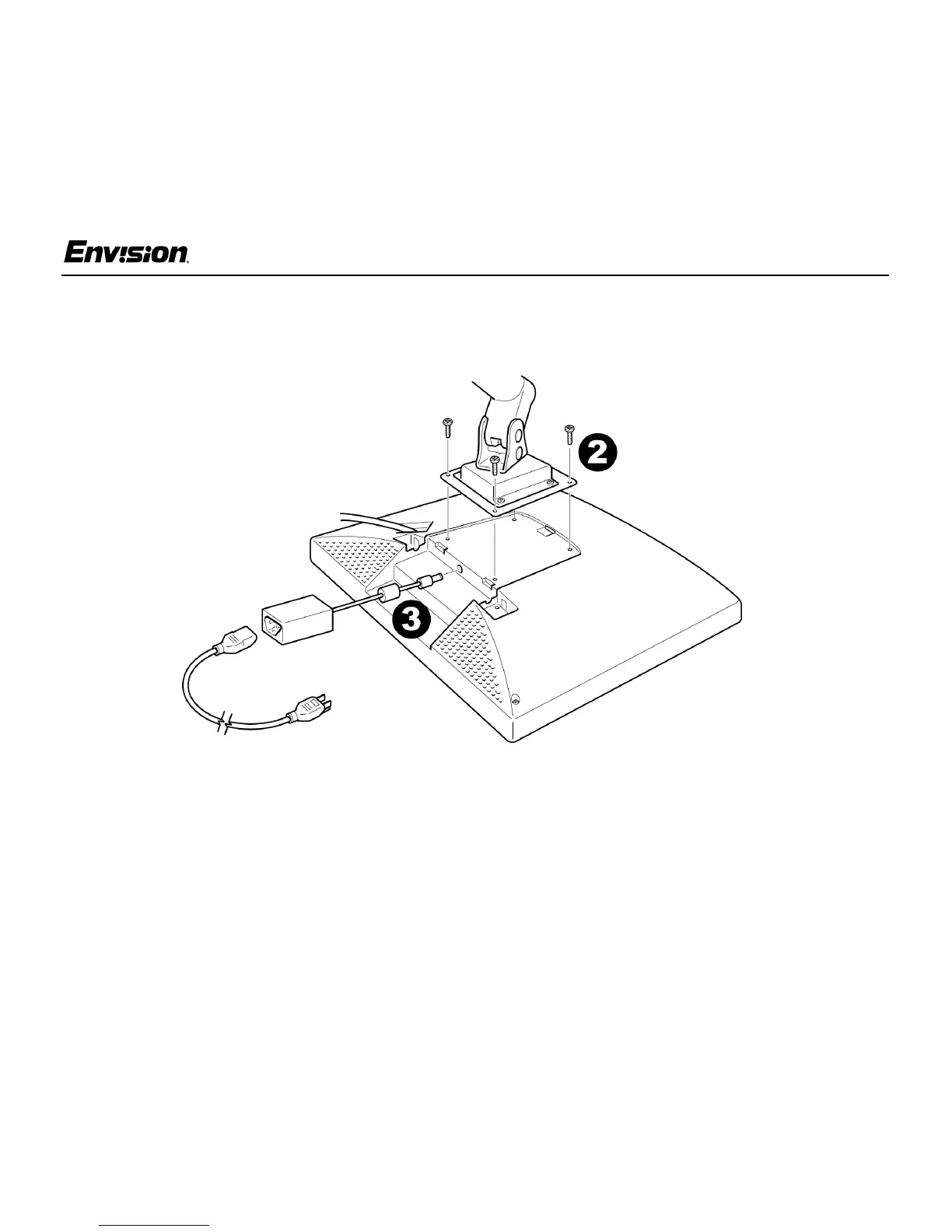
1. Place the wall mounting arm onto the back of
the monitor. Line up the holes of the arm with
the holes in the back of the monitor.
2. Insert the 4 screws into the holes and tighten.
3. Insert the power cable into the slot on the back
of the monitor.
Envision's Model EN-7100e is compatible with
the Ergotron line of mounting and arm solutions.
Contact Ergotron at 800-888-8458 or visit their
web site at www.ergotron.com for more
information on
the many ways on which you can
mount your Envision LCD monitor.


 To Next Page