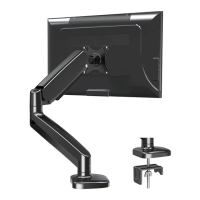
Need help?
Do you have a question about the Eono PL2268-LK and is the answer not in the manual?
Verify VESA patterns and TV weight limit for the mount.
Identify suitable wall materials and necessary installation tools.
Crucial safety instructions to follow before starting installation.
Overview of TV brackets and included hardware for this step.
Guidance on choosing correct screws and optional spacers for TV attachment.
Components and assembly of the main wall plate.
Introduction to the procedure for wood stud wall mounting.
Key considerations for installing on concrete or block walls.
Steps for drilling and securing wall plate on concrete.
Perform a test to ensure the wall plate is securely mounted.
Instructions for lifting and locking the TV onto the wall plate.
How to adjust the TV's tilt angle using Allen key.
Method to keep the TV in a fixed vertical orientation.
Steps for safely detaching the TV from the wall mount.
Detailed measurements and specifications of the TV mount.
 General
| Type | Full Motion TV Wall Mount |
|---|---|
| Max TV Size | 55 inches |
| Material | Steel |
| Mounting Type | Wall Mount |
| Color | Black |
| Compatible TV Size | 32 to 55 inches |
| Max Weight Capacity | 33 lbs (15 kg) |
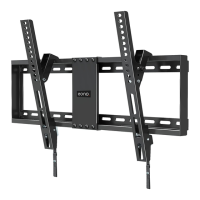

 To Next Page