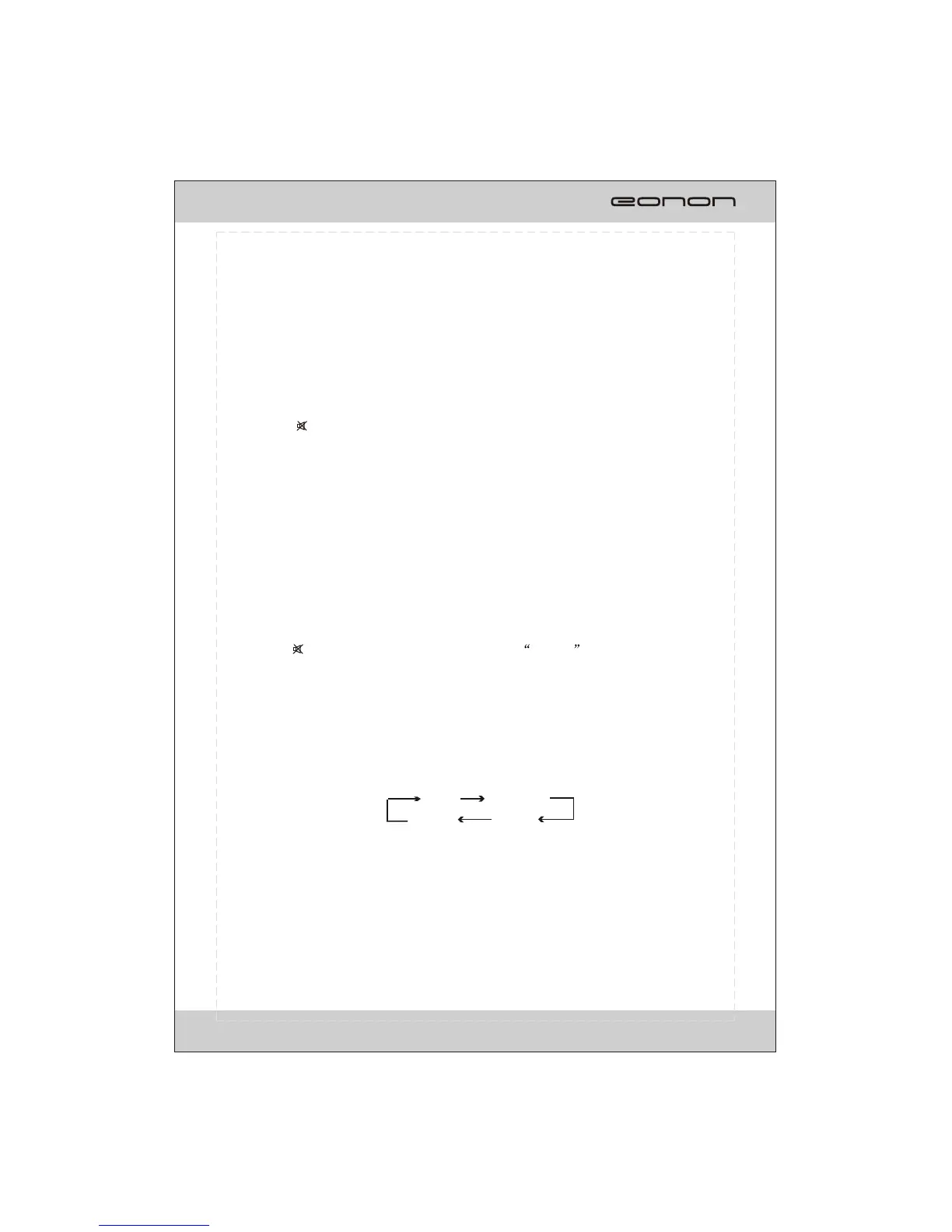
ROCK
POP
CLASSIC
EQ OFF
¼òµ¥¹ÊÕÏÅųýÖ¸ÄÏ
1.Reset the Unit
Operating the unit for the first time or after replacing the car battery, you must reset the
unit.Press RESET button on the head unit with a pointed object, (such as a ballpoint
pen) to set the unit to initial status.
*This function can only be operated by the head unit.
2.Turning the Unit On/Off
Press PWR/ button on the remote control to turn on the unit. In unit ON, when insert
a disc, the unit will automatically start playing. Long press it to turn off the unit completely.
Pressing PWR/MUTE button on the front panel also performs the same operation.
Note:
After the unit is off, the volume level is memorized during the area between 0 and 30.
If it is set less than 6, it will resume to 6; if the set volume level is higher than 30,
it will resume to 30; if it is between 6 and 30, it still stores in the status which you set.
3.Volume Control
Press VOL+ button on the remote control to increase the sound level and press VOL-
button on the remote control to decrease the sound level.
Press ( + or -) on the front panel also performs the same operation.
4. Mute Function
6.EQ Setting
While listening to the popular music, classic music or rock music, you can select the
corresponding preset modes to adjust the sound quality perfectly by using EQ button on
the remote control. Repeatedly pressing EQ button to choose the following modes in turn:
Press PWR/ button to shut off the sound output. MUTE will be displayed on the
screen. Press it again to resume to previous volume level.
Press PWR/MUTE button on the panel also performs the same operation.
BASIC OPERATION
17



 To Next Page