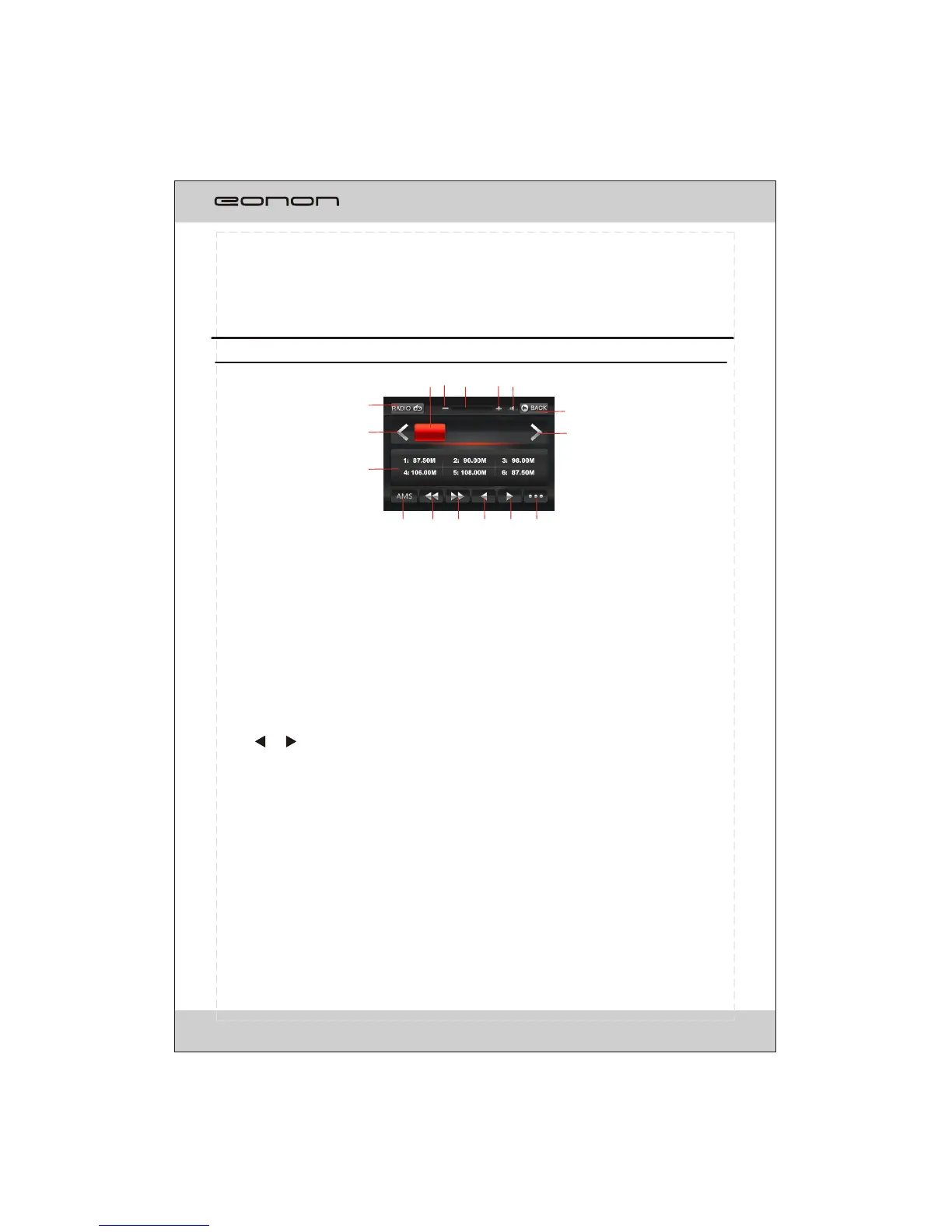
MENU SYSTEM
The users can perform operation by touching screen directly.
RADIO OPERATION
1. CURRENT STATUS
2/10. < / >
To switch bands.
3.Station preset button
To display the preset station list
(touch one of the station preset button to recall the radio which stored on the position;
long touch to save the current frequency into the station)
4.AMS
To browse preset stations.
To search and store stations automatically(long touch).
5/6. >> / <<
To seek a station automatically.
7/8. /
To seek a station manually.
9. RDS
To go to RDS operation
11. BACK
To be back to display the SOURCE screen
12. MUTE
To shut off the audio output and touch again to resume.
13/15. +/-
To increase or decrease the volume.
14. Volume bar
16. BAND AND PRESET STATION DISPLAY
6
87.50MHz
FM1 P6
6
7
9
10
8
1
4
3
2
5
11
12 14
16
13
15



 To Next Page