DVB-T OPERATION
1
2
3
4
5
This equipment will serve you with the available received channels supplied by
the mobile signals. Press SRC button on the panel or on the remote control or
touch on the rght top of the screen then select TV mode.
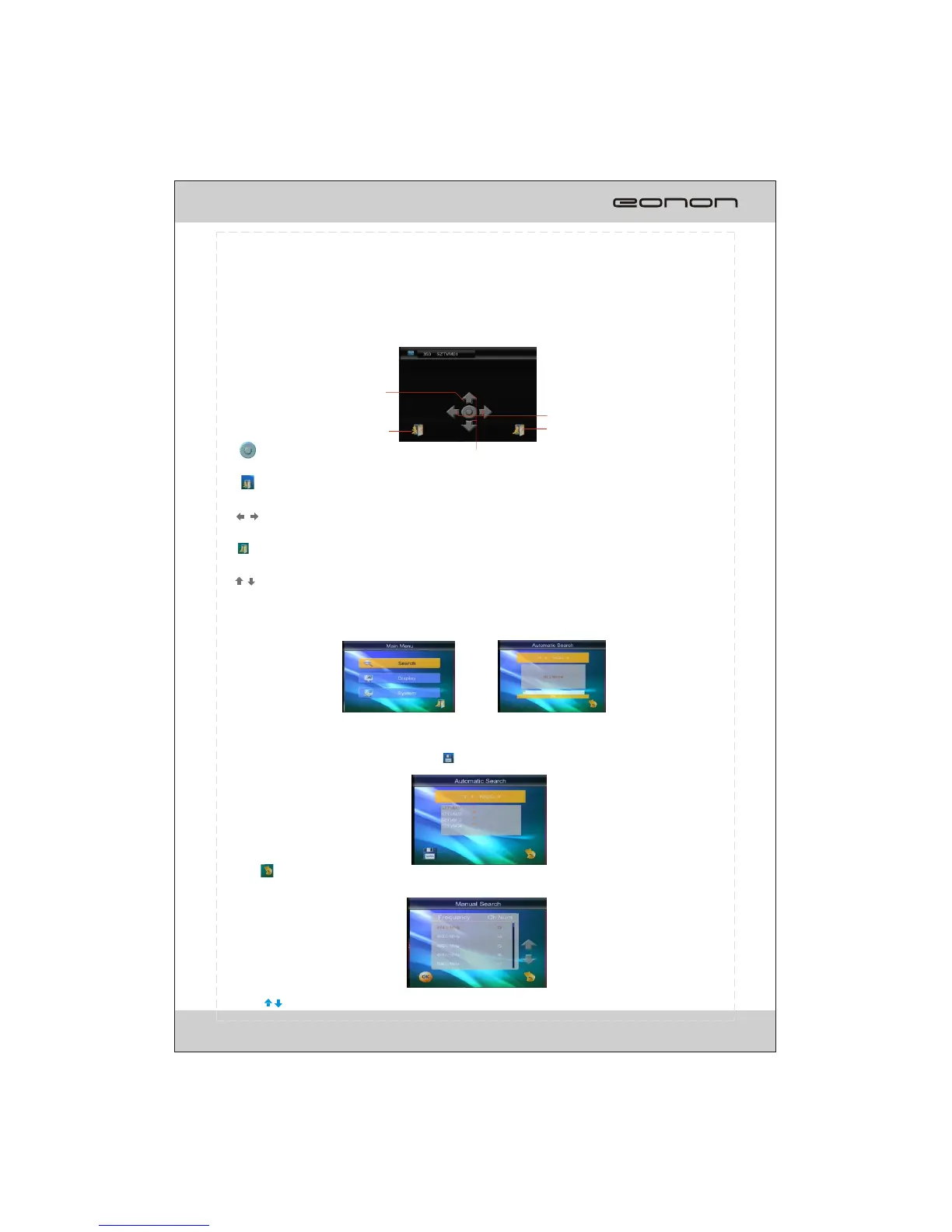
Touch at random area to start the operation.
1.
To display the channel list
2.
To be back to previous interface
3.
To adjust the volume control
4.
To display the main menu
5.
To select the channels
The unit can receive and store the channels according to the strength of the
signal received after finishing searching the channel, all the searched
station will be displayed and touch button to save it.
Touch to be back to previous menu.
Search manually
Search automatically
Main menu:
Touch button to switch frequencyand touch OK button to confirm it.
23



 To Next Page