DVB-T OPERATION
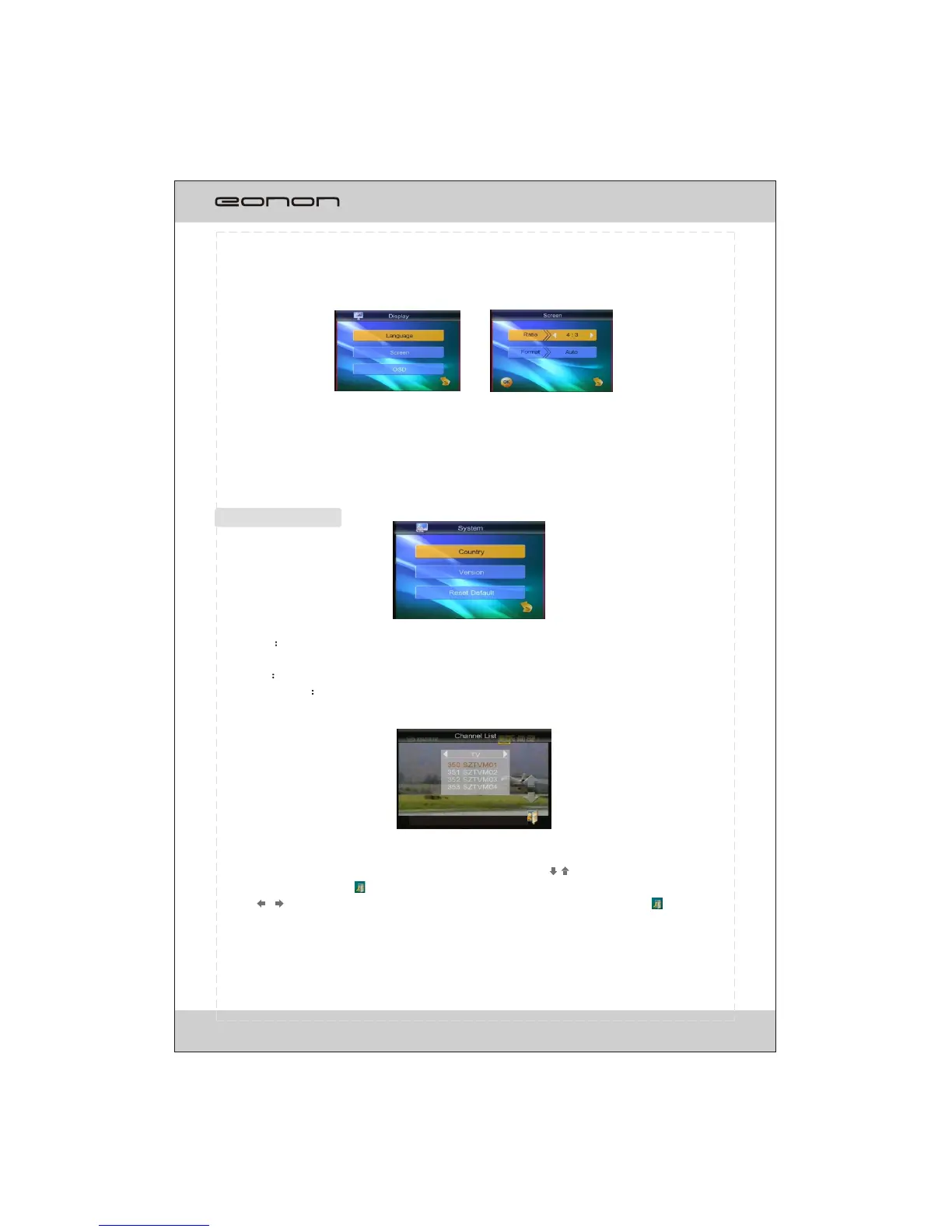
Language
To switch the languagesof the channels and touch OK buttonto select.
Screen
To adjust the ratio and format of the screen.
OSD
To setup the background of the screen.
Display setup
SYSTEM SETUP
Country To select the country or area.
*The preset channels will be clearedif the setup is changed.
Version To displaythe version info.
Reset Default To reset the setting.
*All the preset setting will be cleared.
When a channel is searched, touchbutton to display the channel list.
Press >>I/I<< buttons on the remotecontrol or touch button to select
channels and touch button towatch the selected channels.
Touch / button to switch modes between TV and radio and touch
button to confirm the selection.
24



 To Next Page