FM2
MW2 MW1
FM3
FM1
5.DX/LOC Selector
In radio mode, press LOC button on the remote control to select strong or weak station
reception.
(1). It is set to LOC mode when LOC button is first pressed. Loc:ON appears on the
screen and only strong signal station will be tuned.
(2).It is switched to DX mode when Loc: OFF is pressed again. Both strong and weak
stations can be received.
Note: The initial mode is DX mode.
6.MO/ST Selector
In FM of radio mode, you can press ST button on the remote control to select Mono mode
or Stereo mode.
1.Band Selector
In radio mode, repeatedly press BAND/P/N button on the remote control OR >/< button
one the touch screen to select a band in the following order:
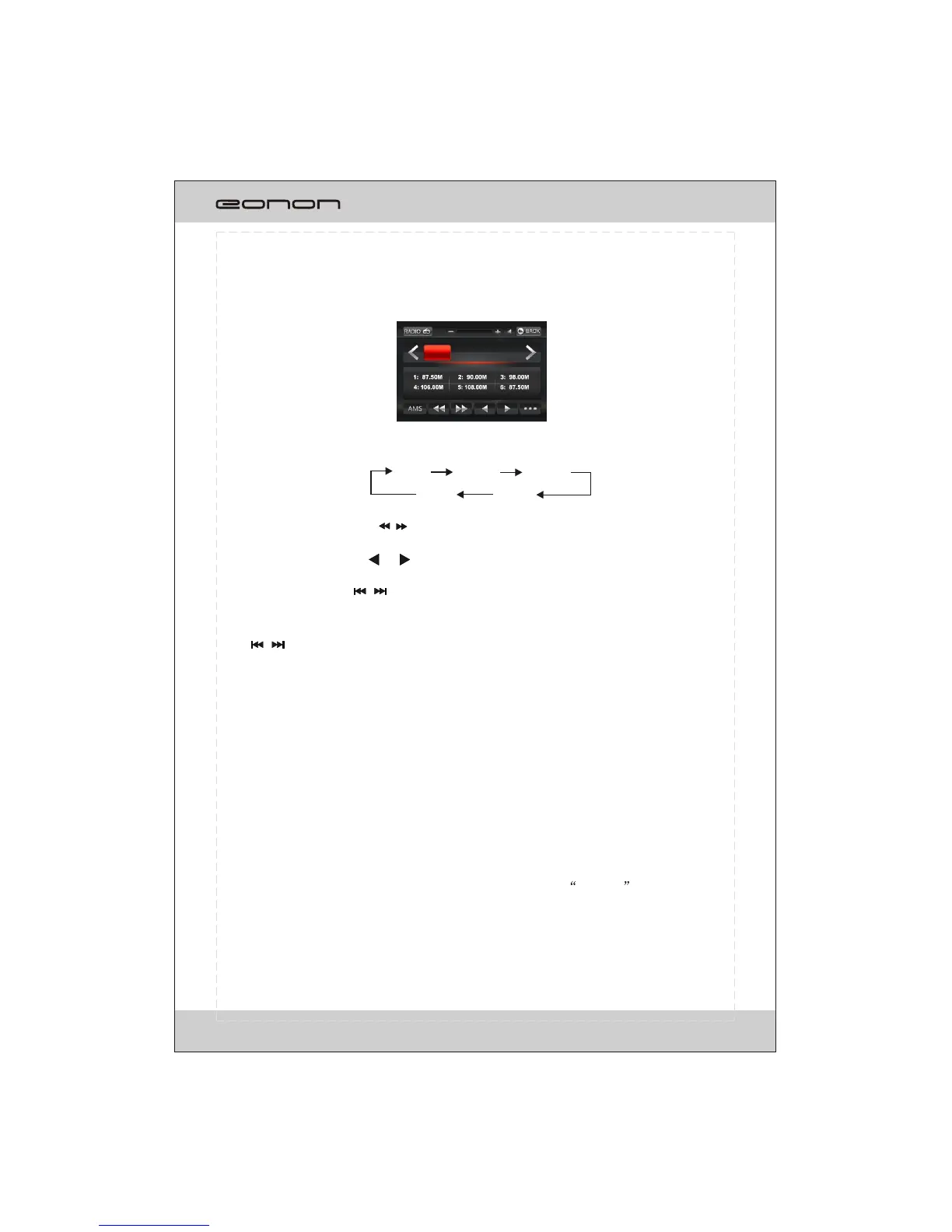
Selecting the radio mode, the TFT display as the follows:
3.Recalling a preset station
A total of 30preset stations (18-FM,12-MW) are available in memory.
Press / button on the remote control to recall a preset station.
The display shows the preset number and frequency of the stored station, touch one of
these to select a corresponding station to listening.
*Press one of the station preset button on the remote control also selects preset station.
4.Automatic/Manual Store
Auto store is a function for storing up to 6 stations.
(1)Select the desired band.
(2)Hold down AMS button ,the stations with good reception are stored automatically.
Manual store: turn in a station you wish to store in the preset memory, press and hold
one the preset buttons (1-6) that you want to store on.
*If you store a station in a preset memory which already has a station the current station
will be cleared and replaced with the new station.
2.Manual/Automatic Tuning
(1).Automatic Tuning: Press / button on the remote control to search for a station in
the direction of lower frequency or higher frequency.
(2). Manual Tuning: Press or button repeatedly to move downward or upward
one step respectively until the desired station frequency is displayed.
*Press(press and hold) / button on panel also performs the operation.
RADIO OPERATION
87.50MHz
FM1 P6
18



 To Next Page