35
T, w
he GPS system can navigate with voice hen you do not drive on your preset line,
the system will reset the line automatically to get the destination.
NAVIGATION OPERATION
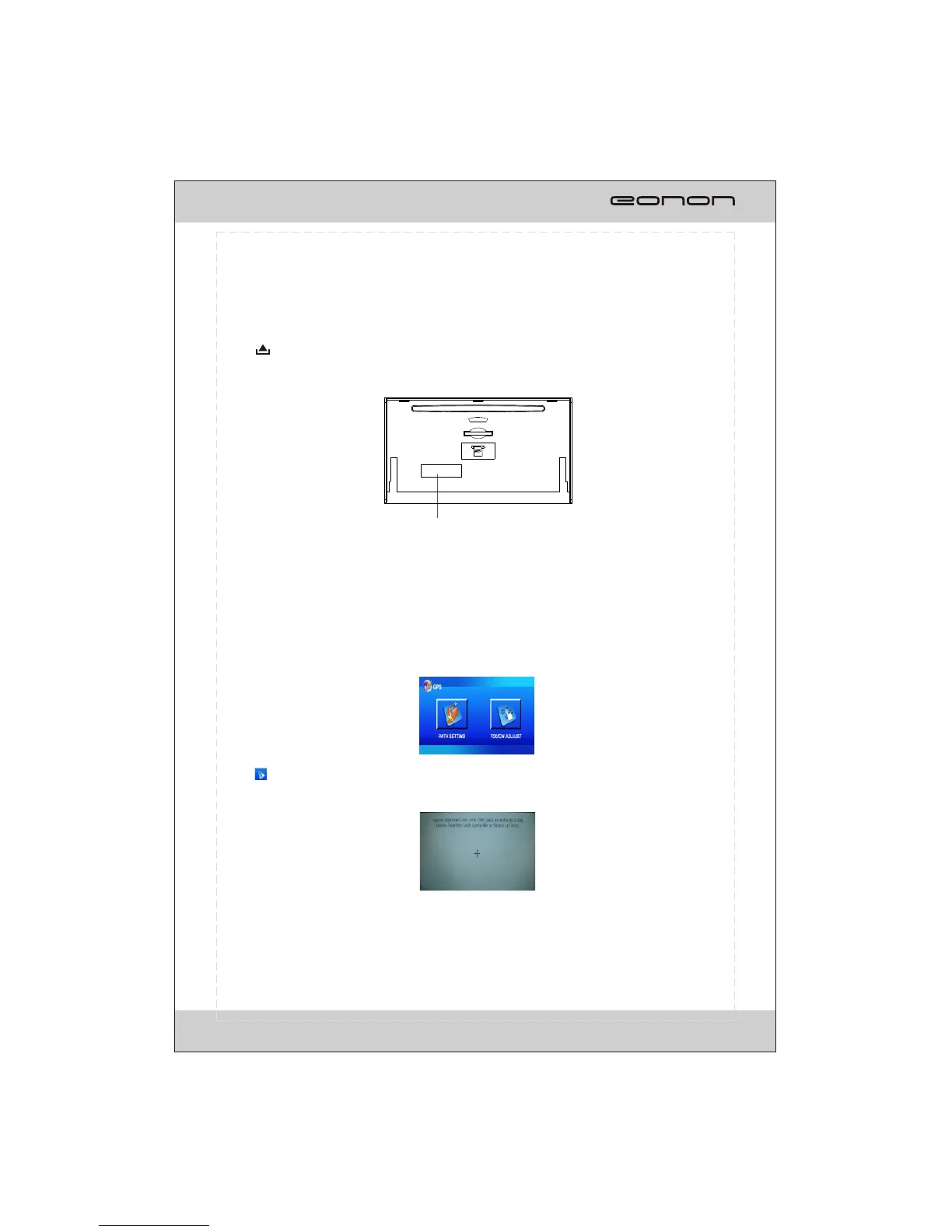
SD card slot
Press SRC button on the unit or on remote control repeatedly to access the navigation
mode after insert SD card with stored navigating map.
*Long press SEL/NAV button on the unit or on remote control or Touching NAV item on
source selection screen also activate the function.
Press button on the unit to open the panel, the SD card slot is at the bottom of the
panel (shown as illustration). It supports SD card with memorized navigation map only.
T ,please
o avoid the touching effect function invalid calibrate the touchable screen
before perform navigating operation.
Calibration
Press button on the touchable screen and the screen display as following:
Please use something with needle end touching on the + button to finish the calibration.



 To Next Page