NAVIGATION OPERATION
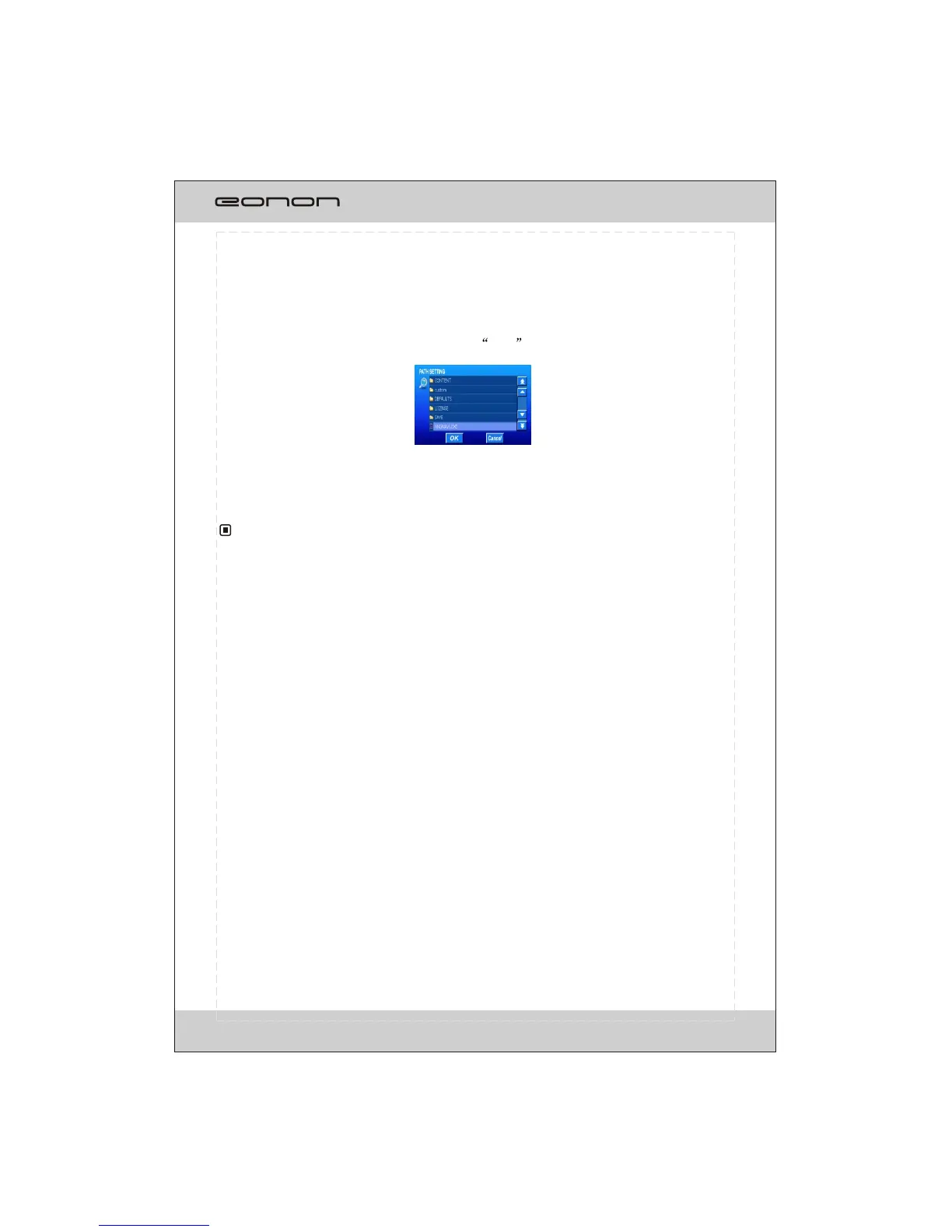
Click PATH SETTING button, pointing to the .exe file in the navigation software in
your SD card(shown as illustrated).
PATH SETTING
Touch the selection displayed on screen to perform the corresponding operation.
For more information regarding the NAV. Operation, please refer to the user manual
of navigating electronic map.
For safety
Once the SD card could not eject automatically after pressing, just take it out manually.
Please confirm your place is not under the bridge, on the tunnel or near the building
which can infect the signal received.
, please avoid operating the system while driving.
GPS system is operated in background at any modes.
Do not take the SD card out when navigating to avoid freeze the unit
NO TE
Press OK button to start-up the software.
The navigation will auto-started after setting. Press CANCEL button to exit
the PATH SETTING mode.
36



 To Next Page