REV. 03/2020
4B
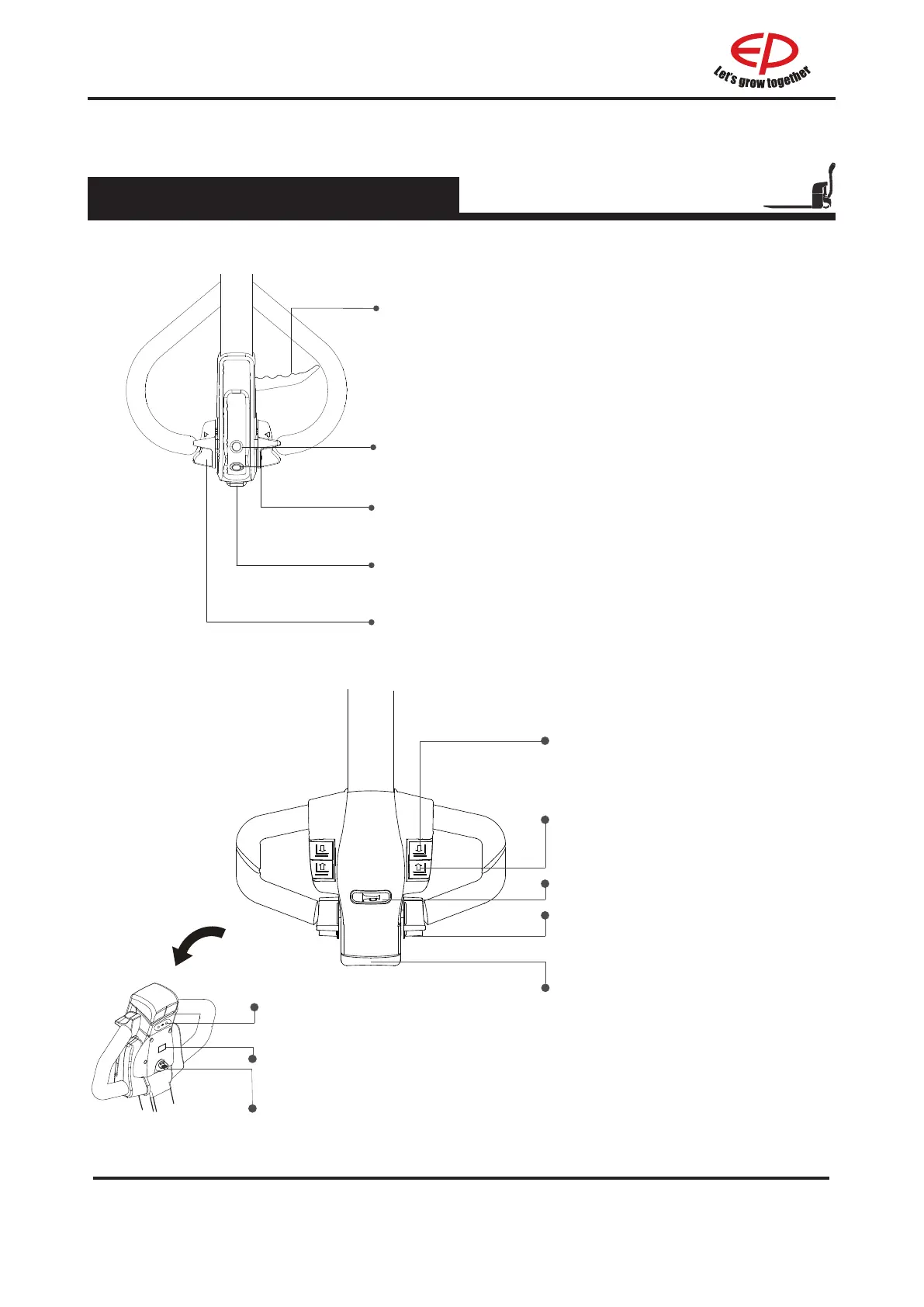
2.2.1 Control handle
2.2 Display and manipulation
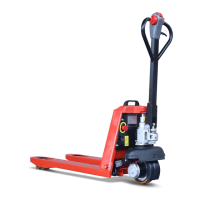
1.Control handle A
Driving switch
Controls travel direction and speed
Lifting button
Lift loading parts
Lowering lever
"Horn" button
Emergency reverse switch
Pull and hold the manual lower switch (2).The forks will
lower to the minimum height until they stop by themselves.
Activates the horn.
Press the emergency reverse switch. The vehicle will begin
to travel in the opposite direction.
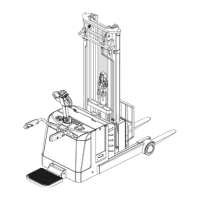
1.Control handle B
Lowering button
Lower loading parts
Lifting button
Lift loading parts
Horn button
Send out sound warning signals
Driving switch
Controls travel direction and speed
Emergency reverse button
Through touching the button, truck
drives away from operator.
Creep speed button
Display instrument
Display the electric quantity of the truck
Key switch
Connect and interrupt control current
EPL154/EPL185
EPL163/
EPL152


 To Next Page