REV. 09/2020
B14
Example
Example
1.Running
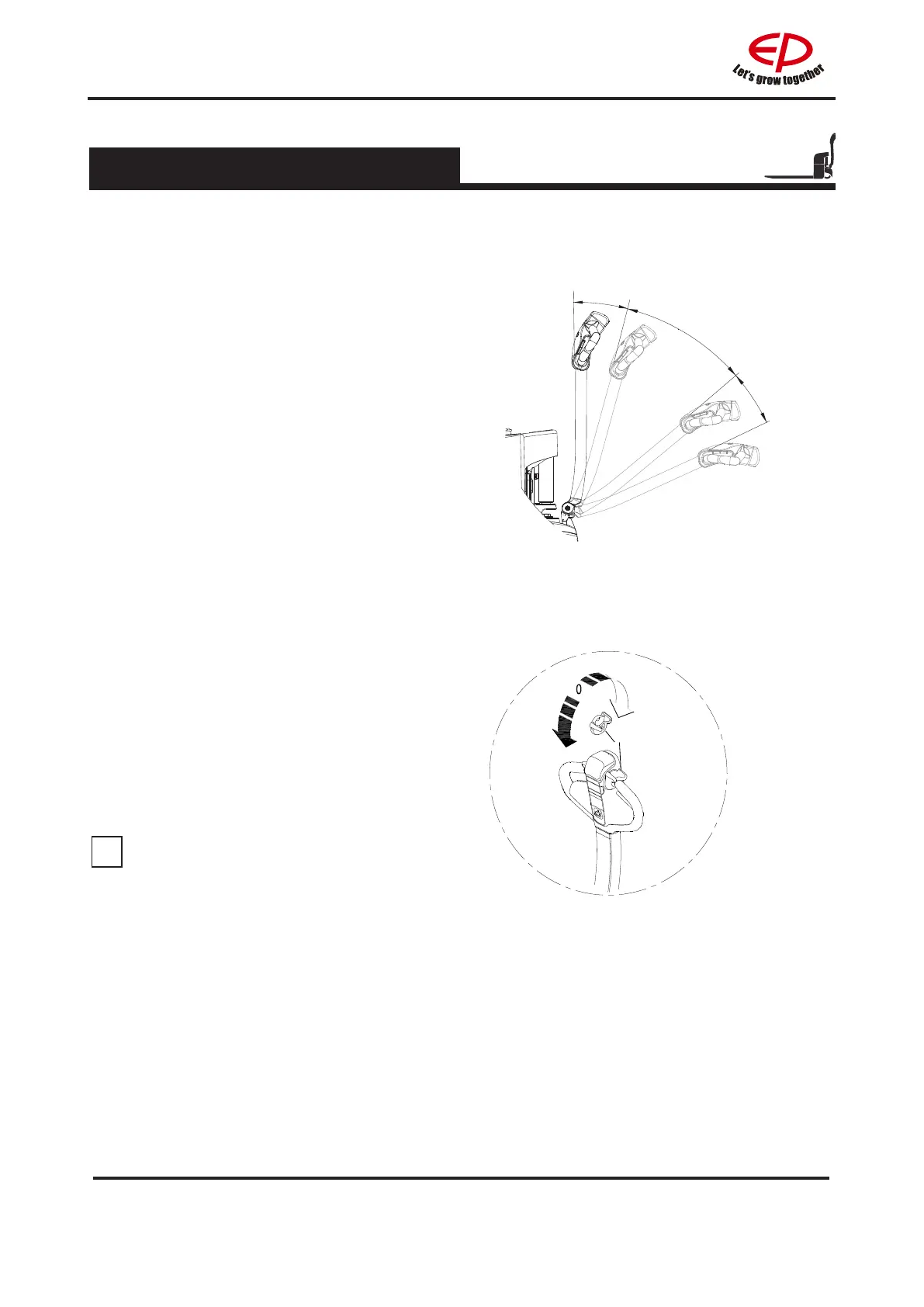
Running area
Running area
Rotary button
Control the running direction and
speed of the truck using the drive
switch (1). (the large the rotary angle,
the faster corresponding speed)
1.2.4 Running, swerving and braking
1
Forward
Backward
When using the truck on a ramp or a
uneven road, please lift the leg of the
forklift to prevent its bottom from colliding
withtheroadsurface.
NOTE



 To Next Page