EasyManua.ls Logo

Epever Tracer10415AN - User Manual

Epever Tracer10415AN
48 pages
Print Icon
To Next Page IconTo Next Page
Loading...
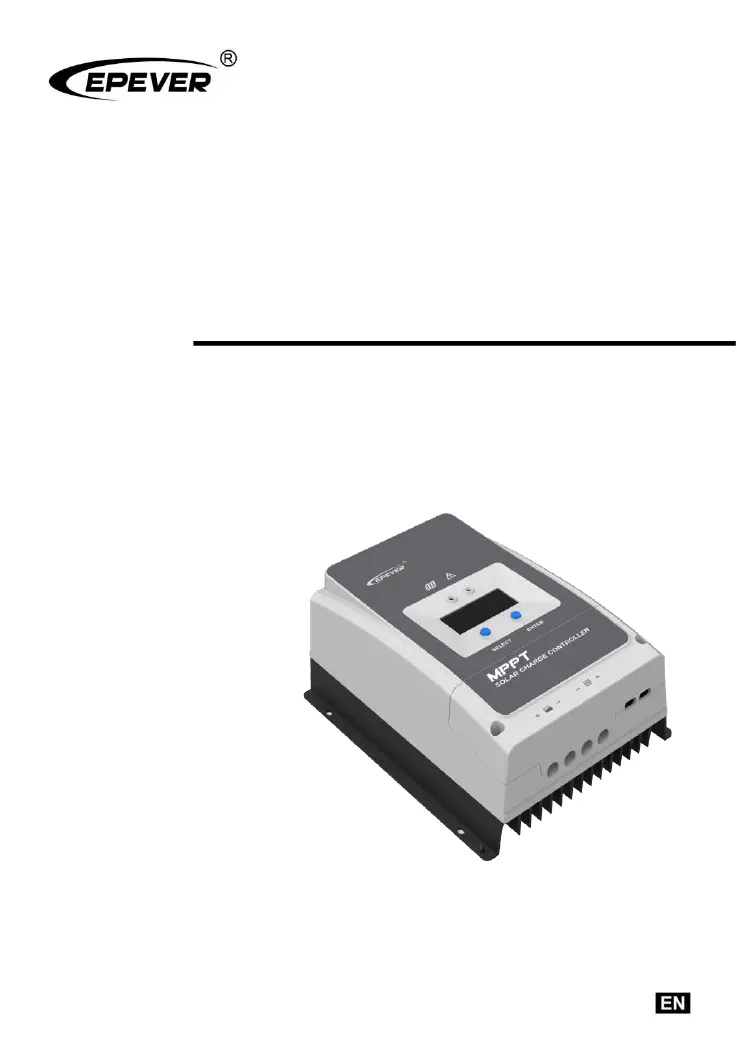
MPPT Solar controller
User Manual
Model
Tracer6210AN
Tracer5415AN/Tracer6415AN
Tracer8415AN/Tracer10415AN
Tracer5420AN/Tracer6420AN
Tracer8420AN/Tracer10420AN

Questions and Answers

  • J
    john59Aug 9, 2025
    Why is my Epever Tracer10415AN not working even though the wiring is correct?
    • A
      Ashley WalkerAug 9, 2025
      If the wire connection is correct, but the Epever Controller is not working, the battery voltage may be lower than 8V. Please check the battery's voltage and ensure it is at least 8V to activate the controller.
  • K
    Kristen LewisAug 16, 2025
    What to do if Epever Controller is used in area with lightning strikes?
    • B
      bonniebairdAug 16, 2025
      If you plan to use the Epever Controller in an area prone to frequent lightning strikes, it's advisable to install an external surge arrester.
  • D
    Daniel AdkinsAug 25, 2025
    How to fix a charging LED that is OFF on my Epever Tracer10415AN Controller during the day?
    • S
      Sherry BlackburnAug 25, 2025
      If the charging LED is off during the daytime when sunshine falls on PV array properly, it may be due to a PV array open-circuit. Confirm whether the connection of the PV array is correct and tight.
  • M
    Makayla BarnesAug 31, 2025
    How to prevent battery reverse polarity on Epever Controller?
    • B
      Brad HernandezAug 31, 2025
      Do not connect the battery wires with reverse polarity, as this may damage the Epever Controller.

Summary

Important Safety Instructions

1 General Information

1.1 Overview

Introduces the MPPT solar controller's technology and features.

1.2 Product Characteristics

Details the physical components and indicators of the MPPT controller.

1.3 Naming Rules

Explains the naming convention for the Tracer series controllers.

1.4 Included Accessories

Lists the accessories that come with the controller.

1.5 Optional Accessories

Lists optional accessories available for the controller.

2 Installation

2.1 Installation Attentions

Provides crucial safety and handling precautions during installation.

2.2 PV Array Requirements

Specifies requirements for connecting PV modules to the controller.

2.3 Wire Size Selection

Guides on selecting appropriate wire sizes for PV and battery connections.

2.4 Dry Contact Instruction

Explains the function and setup of dry contact interfaces.

2.5 Mounting Guidelines

Details the recommended procedures and clearances for mounting the controller.

3 Operation

3.1 Controller Indicator Lights

Describes the meaning of different LED indicator statuses.

3.2 Control Buttons

Explains the function of the physical buttons on the controller.

3.3 LCD Display Overview

Details the status indicators and browse interfaces shown on the LCD.

3.4 Parameter Setting

Guides on how to configure controller settings like battery type and clear energy.

4 Others

4.1 System Protections

Outlines the various protection mechanisms built into the controller.

4.2 Troubleshooting Guide

Provides solutions for common faults and errors.

4.3 Maintenance Procedures

Recommends regular inspection and maintenance tasks for optimal performance.

5 Specifications

Appendix 1 Dimensions

Epever Tracer10415AN Specifications

General IconGeneral
ModelTracer10415AN
TypeMPPT Solar Charge Controller
Rated Load Current20A
System Voltage12V/24V Auto
Efficiency98%
MPPT Efficiency99%
Battery TypeSealed, Gel, Flooded, User
Temperature Compensation-3mV/°C/2V (Default)
CommunicationRS485
GroundingNegative Ground
ProtectionShort Circuit

Related product manuals