EasyManua.ls Logo

Epever Tracer4210A - User Manual

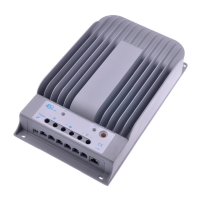
Epever Tracer4210A
36 pages
Print Icon
To Next Page IconTo Next Page
Loading...
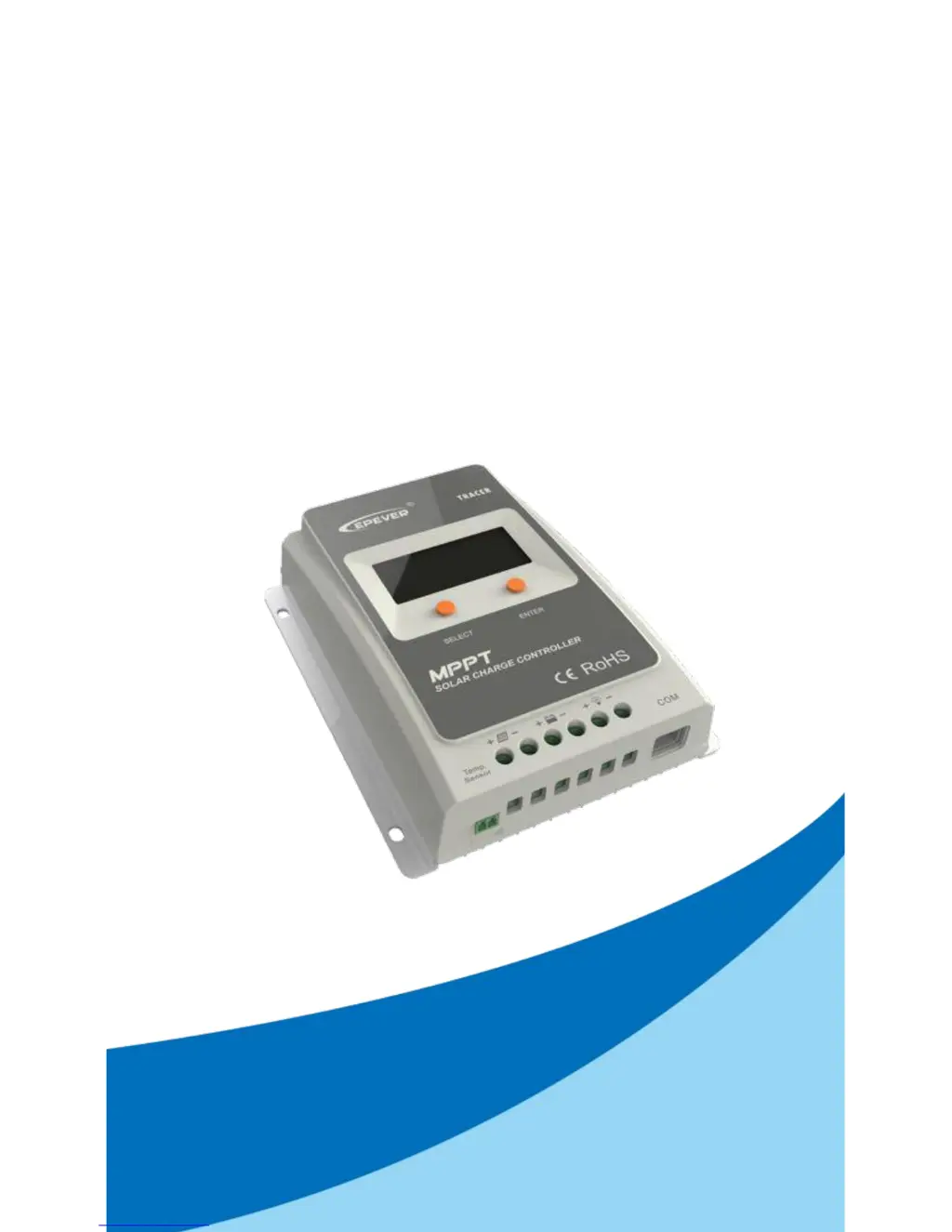
Tracer- A Series
——MPPT Solar Charge Controller
User Manual
Models
Tracer1206A /Tracer1210A
Tracer2210A/Tracer3210A/Tracer4210A

Questions and Answers

  • N
    Natasha HubbardAug 9, 2025
    What to do if Epever Tracer4210A interface is blinking due to overload or short circuit?
    • M
      Michelle DeleonAug 9, 2025
      If the Epever Controller interface is blinking because of an overload or short circuit, remove or reduce the load. Then, press the button; the controller will resume working after 3 seconds.
  • A
    Anthony DoughertyAug 14, 2025
    What happens if the Epever Controller interface is blinking because of low battery voltage disconnect?
    • K
      Keith WhiteAug 14, 2025
      If the Epever Controller interface is blinking due to a low battery voltage disconnect, the controller will automatically cut off the output. The LED indicator will return to green automatically once the battery is fully charged.
  • Z
    Zachary WrightAug 20, 2025
    Why is the Epever Tracer4210A Controller LCD off during the day when the PV modules are in sunshine?
    • R
      Rachel GardnerAug 20, 2025
      The LCD might be off because of PV array disconnection. Confirm that the PV and battery wire connections are correct and tight.
  • T
    Tommy CarpenterAug 26, 2025
    What to do if Epever Controller wire connection is correct, but the LCD doesn't display anything?
    • V
      Vanessa JohnsonAug 27, 2025
      If the Epever Controller's LCD isn't displaying anything despite correct wiring, it could be due to: 1. Battery voltage being lower than 9V. Please check the battery voltage. It needs at least 9V to activate the controller. 2. PV voltage being less than the battery voltage. Check that the PV input voltage is higher than the battery's.
  • C
    Cheryl MaciasSep 2, 2025
    What causes the Epever Controller interface to blink, indicating the battery voltage is too high?
    • F
      figueroafrankSep 2, 2025
      The Epever Controller interface might blink if the battery voltage is higher than the over voltage disconnect voltage (OVD). Check if the battery voltage is too high, and disconnect the solar module.

Summary

Important Safety Instructions

General Safety Information

Provides essential safety guidelines and warnings for controller installation and operation.

General Information

Maximum Power Point Tracking Technology

Explains the MPPT technology used to maximize solar energy harvesting efficiency.

Battery Charging Stages

Describes the three-stage charging algorithm: Bulk, Constant, and Float charging for battery management.

Installation Instructions

General Installation Notes

Presents crucial general advice and precautions before starting the installation process.

PV Array Requirements

Specifies the necessary voltage and power requirements for the PV array connected to the controller.

Mounting and Safety Precautions

Details controller mounting, required clearance, ventilation, and critical safety warnings.

Operation

Parameter Settings

Guides users through setting operational parameters, including load control modes and timing.

Protections, Troubleshooting, and Maintenance

Protections

Lists and explains the controller's built-in protection features against electrical hazards.

Troubleshooting Common Faults

Provides a systematic approach to diagnosing and resolving common operational issues and errors.

Technical Specifications

Epever Tracer4210A Specifications

General IconGeneral
ModelTracer4210A
TypeMPPT Solar Charge Controller
Rated Battery Voltage12V/24V Auto
Rated Charge Current40A
Max PV Open Circuit Voltage100V
Max PV Input Power520W (12V) / 1040W (24V)
Efficiency≤98%
Temperature Compensation-3mV/°C/2V(Default)
CommunicationRS-485
Battery TypeSealed, Gel, Flooded
Charge AlgorithmMPPT
Operating Temperature-25°C to +55°C
ProtectionReverse Polarity, Overload, Short Circuit
Dimensions55mm
GroundingCommon Negative

Related product manuals