9
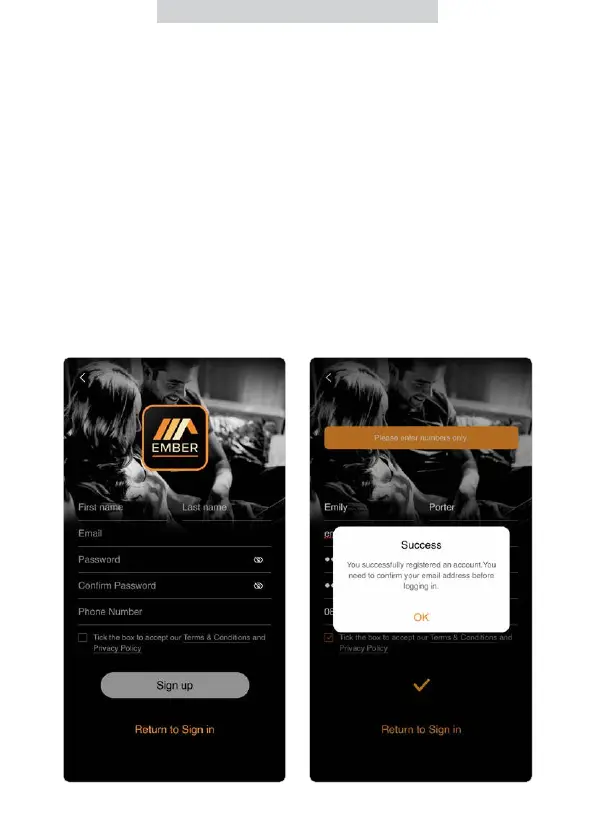
9. Enter your telephone number.
(optional)
10. Tick the box to accept our Terms
& Conditions and Privacy Policy.
11. Press ‘Sign up’.
4. Enter your First name.
5. Enter your Last name.
6. Enter your Email address.
7. Enter your Password (Minimum 6
characters – including lowercase,
uppercase and number)
8. Conrm your Password.



 To Next Page