20
R17
V2
Menu continued
This menu allows the user to put a PIN lock on the timeswitch.
The PIN lock will reduce the functionality of the timeswitch.
Set up the PIN
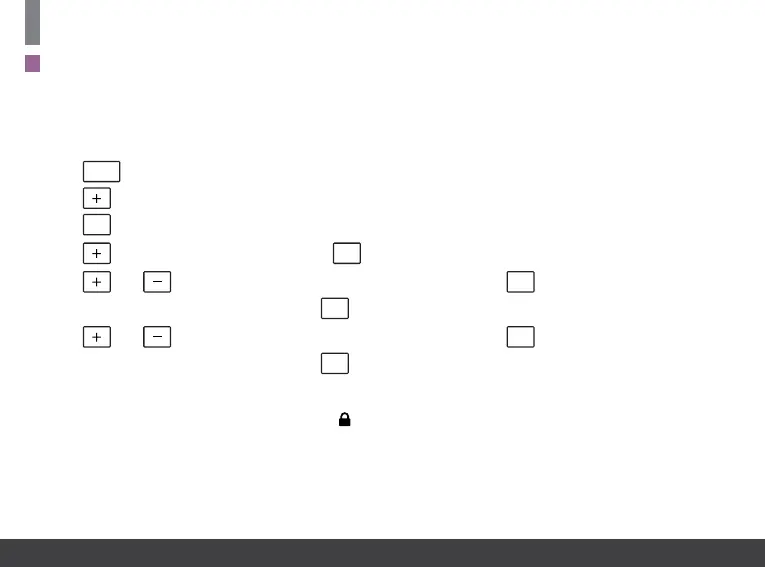
Press
MENU
, ‘P01’ will appear on the screen.
Press
until ‘P05 PIn’ appears on the screen.
Press
OK
, ‘OFF’ will appear on the screen.
Press
to change from OFF to ON. Press
OK
. ‘0000’ will ash on the screen.
Press
and to set the value from 0 to 9 for the rst digit. Press
OK
to move to the next PIN digit.
When the last digit of the PIN is set, press
OK
. Verify is displayed with ‘0000’.
Press
and to set the value from 0 to 9 for the rst digit. Press
OK
to move to the next PIN digit.
When the last digit of the PIN is set, press
OK
. The PIN is now veried, and the PIN lock is activated.
If the verication PIN is entered incorrectly the user is brought back to the menu.
When the PIN lock is active the Lock symbol
will ash every second on the screen.
When the timeswitch is PIN locked, pressing the menu will take the user to the PIN unlock screen.
P05 PIN
Note:
When the PIN lock is enabled, BOOST periods are reduced to 30 minute and 1 hour periods.
When the PIN lock is enabled, Mode Selections are reduced to Auto and OFF.


 To Next Page