92
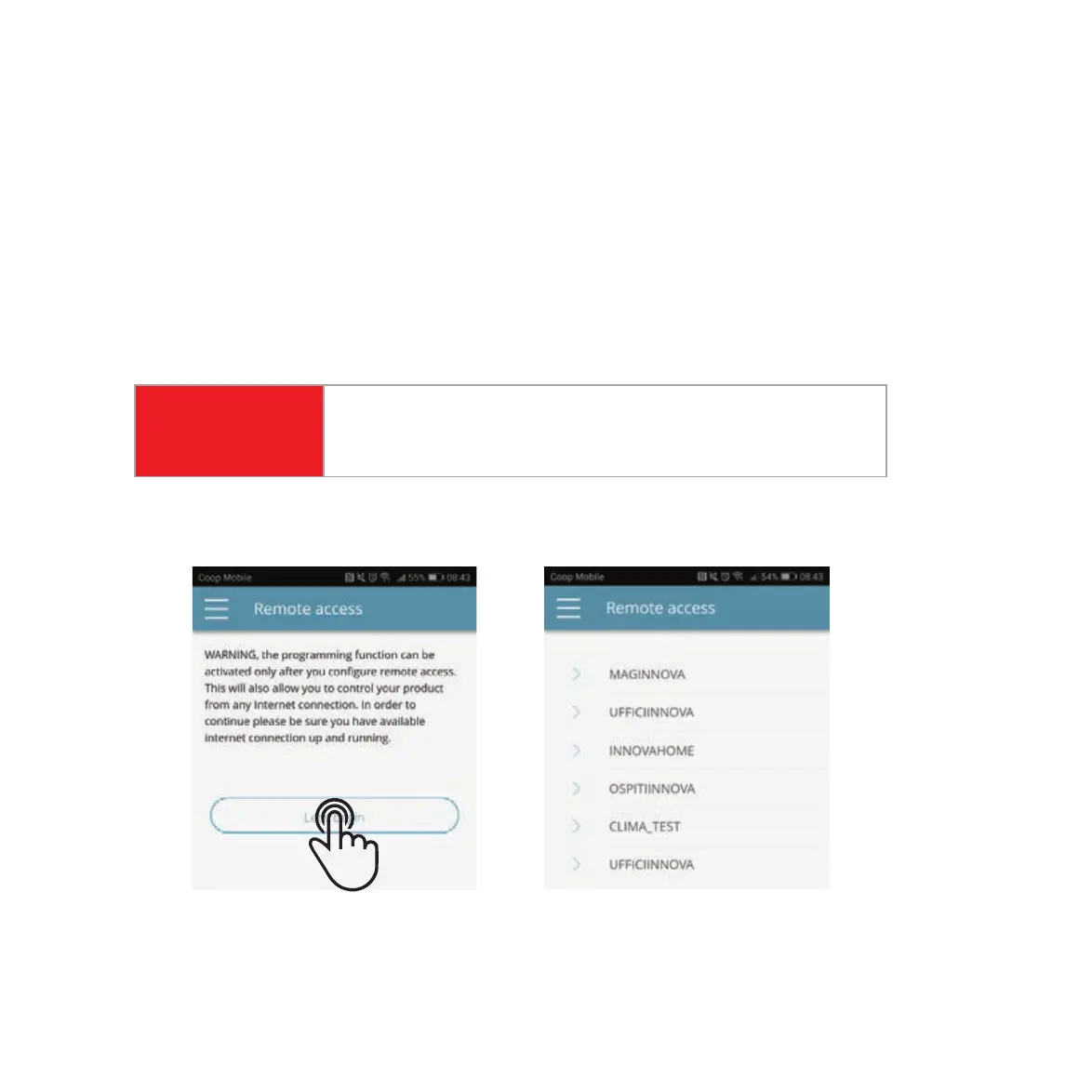
Once you have selected the menu item “Remote Access,” a list of the available Wi-Fi
connections will appear.
Note: the HPAC 2.0 can connect only with 2.4GHz networks.
Select the preferred network for Internet Access (this is the Wi-Fi that is in your home
or offi ce that you want the system to connect through).
Then enter the Wi-Fi network password and confi rm it.
STEP 1
STEP 2
STEP 3
The password can contain only alphanumeric characters from “A”
to “Z” (uppercase and lowercase), from “0” to “9”, “-”, “_”, “.”. Special
characters are not permitted.
ATTENTION
ENABLING REMOTE ACCESS



 To Next Page