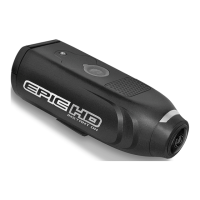
Quick Start Guide
STEP 1: Install Batteries & SD Memory Card.
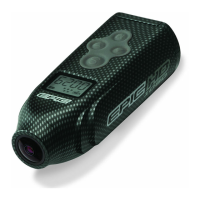
STEP 2: Press the (M) button to power on your EPIC.
STEP 3: Once the LCD screen turns on, press the (S)
button to begin recording video. Press (S) again to stop
recording.
STEP 4: Press and hold the (M) button to power off your
EPIC.
For more details on additional EPIC features please consult the complete User’s
Manual.
Need Help? Call toll free at 877-269-5490


 To Previous Page