- 2 -
How to Use This Owner’s Manual
How to Use This Owner’s Manual
Thank you for purchasing an Epilog Fusion Laser system. Your Epilog system has been designed to be easy to operate,
but you will utilize it to its fullest potential by taking some time to read this owner’s manual prior to use. You will be ready
to use the Epilog Laser system as soon as you read the first few sections. Then you can refer to topics in the remaining
sections, as you work.
Icons Used in this Manual
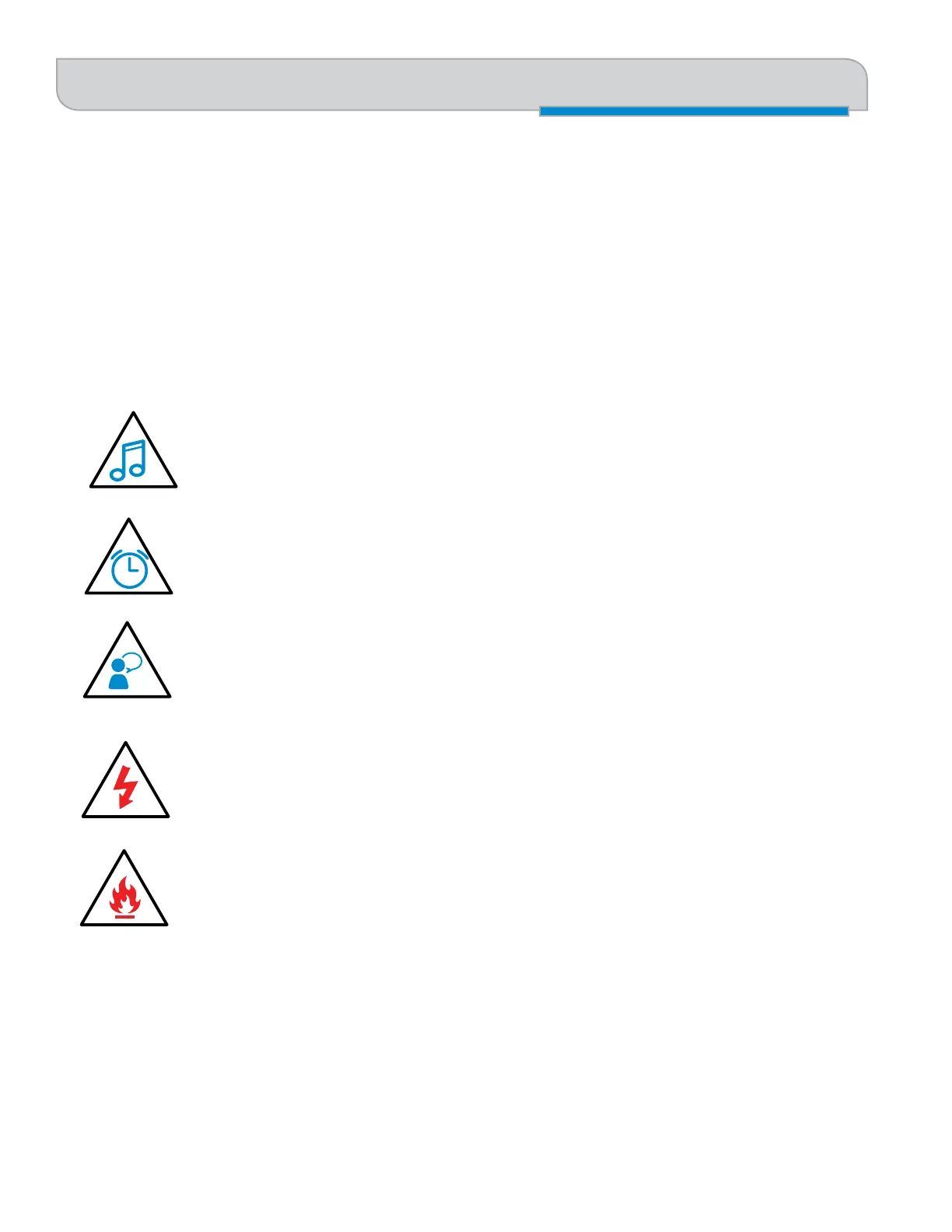
Look for these symbols to help you find valuable information throughout the text:
Helpful notes to keep in mind when running the laser!
This icon signifies advice you can try that will save you significant time.
This icon highlights current contact information for receiving help.
Warnings and cautions to keep in mind when running the laser.
This icon indicates the potential for fire damage when operating the laser.
INTRODUCTION


 To Next Page