- 39 -
Trouble Shooting Job Manager Installation
SECTION 4: THE EPILOG JOB MANAGER
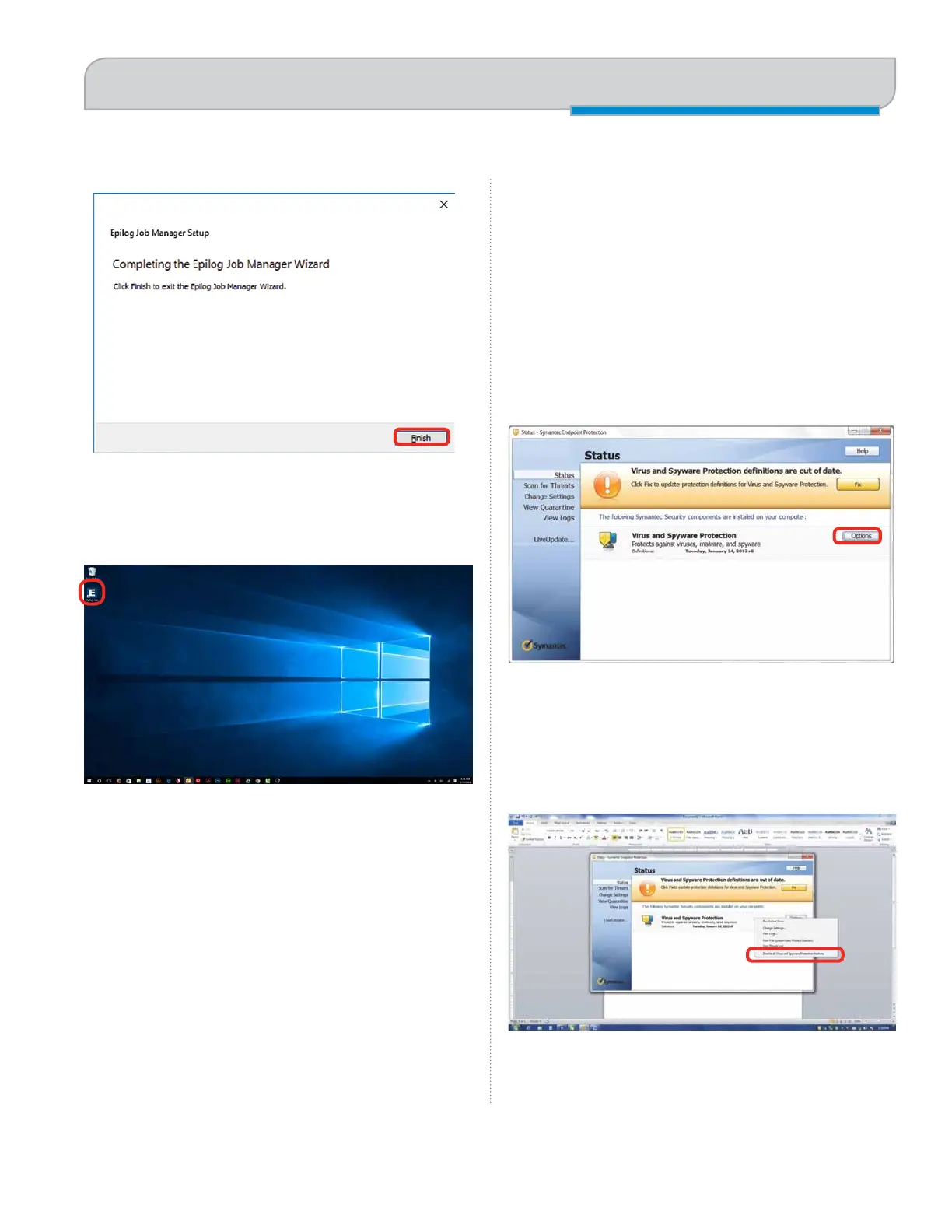
12. Click Finish and the Job Manager is installed.
13. A Job Manager icon will be automatically added to
your Desktop. You are now ready to use the Job
Manager.
Trouble Shooting Job
Manager Installation
If you were unable to install the Job Manager, it’s possible
that your Anti-Virus software is blocking installation.
To disable Symantec Anti-Virus software, choose
Options. Other anti-virus packages should have
something similar to Symantec.
Disable all Virus and Spyware Protection Features. After
the Job Manager has been installed go back into your
Anti-Virus software and re-enable the setting that was
disabled.



 To Next Page