19
Failure of remote control
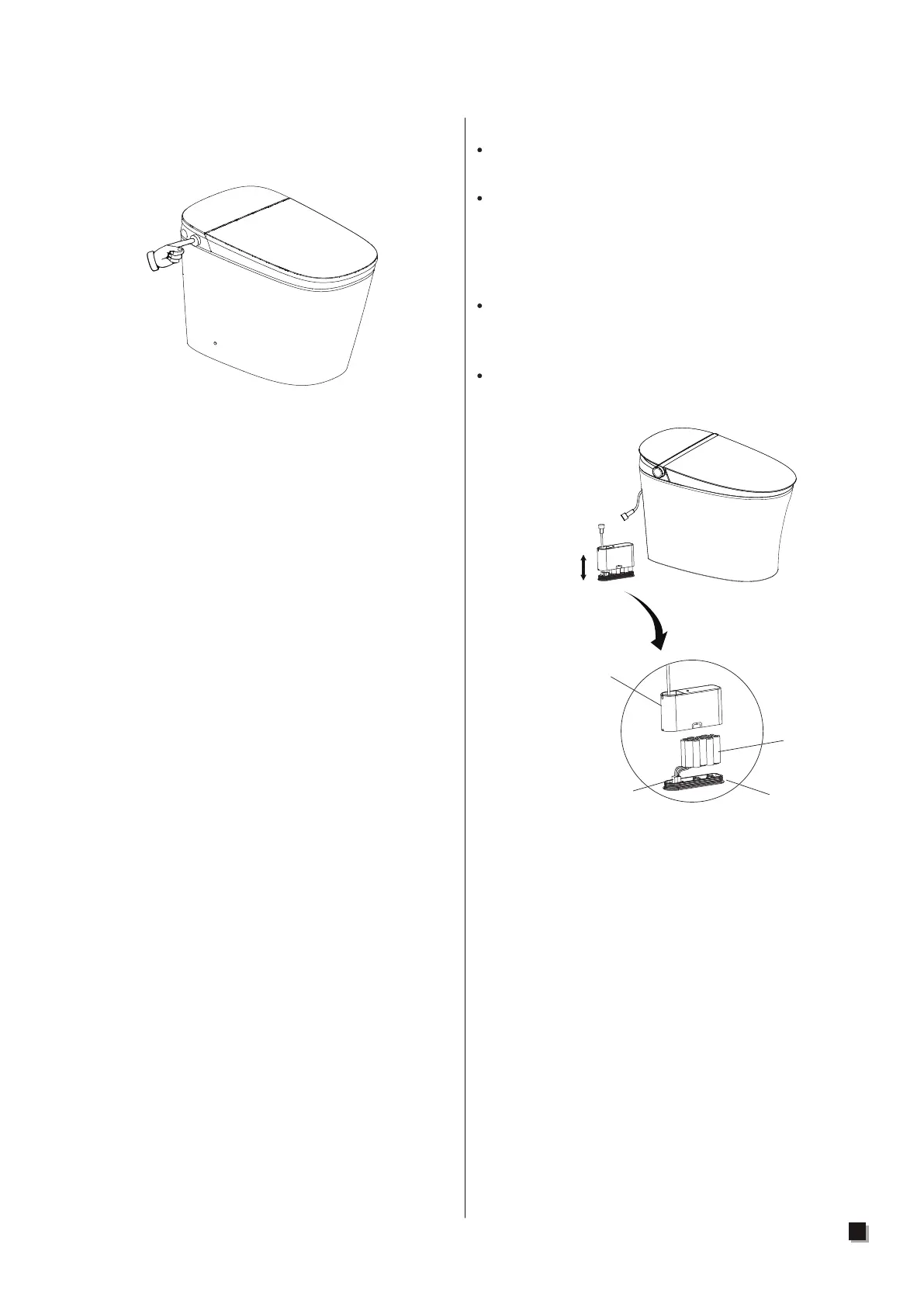
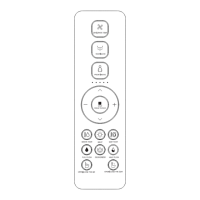
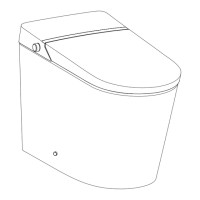
Operate via knob on the main unit.
Knob
Note:
After battery replacement, the remote control
settings will be restored to the defaults.
Remove the remote control from holder.
Open the battery cover and replace the
batteries.
Put the remote control back.
1.
Battery replacement 2.
Replace the flushing battery
Kind tips:
1. If you use the "power-off flush function" and
notice the night light flashes several times
before turning off, it indicates that the battery
power is low.Please replace the flushing
battery promptly, as it may otherwise affect
the use of the power-off flush.
2.The male and female terminals of the
battery connection have positive and negative
poles. There are positioning structures inside
the two terminals. Please do not force them
connect, as this may cause damage to
the product.
3. This battery pack is customized by the
manufacturer and cannot be purchased by
consumers independently. If you need a
replacement, please contact the manufacturer's
after-sales service and pay for it.
Remove the battery box from the rear end
of the ceramic (as shown in the picture).
Separate the upper and lower covers
of the battery box, press the hook on the
battery cable plug and unplug the battery
cable plug to remove the old battery
pack.
After replacing it with the new battery pack,
reinstall and tighten the upper and lower
covers of the battery box.
Finally, place the battery box back into the
appropriate position at the rear end of the
ceramic.
Battery pack
Battery box cover
Battery box
bottom cover
Battery cable plug
Separation of upper
and lower parts



 To Next Page