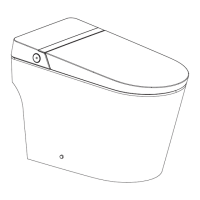
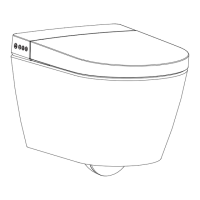
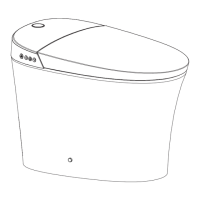
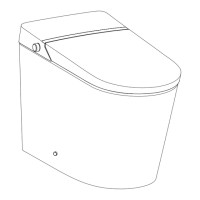
Description of the knob function
1. When seated, turn the knob clockwise to start rear washing function, and turn
counterclockwise to start front washing function. Rear and front washing function
will automatically enter into the drying function after completion. (
Note: default water
pressure, water temperature, air temperature, seat temperature, wand position are
intermediate.)
2. When no one is seated, turn the knob clockwise to start manual cleaning function of
the nozzle.
4. During drying, clockwise rotation increases air temperature and counterclockwise
rotation decreases air temperature.
5. In functional mode, press the knob to stop function in progress: rear washing, front
washing, drying or nozzle cleaning. In addition, press the knob to flush the toilet.
6. To enter into standby mode, press and hold the knob.
7. To enter into functional mode, press and hold the knob.
Below shows the indicator light status:
Functional mode: Red light; Energy saving mode: Blue light;
Flushing mode: Purple light; Standby mode: Light off.
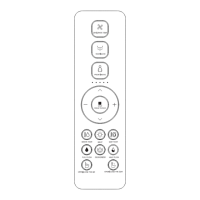
* Default settings for all functions are intermediate when powering on. Use remote control
to switch to the function level set before.
15
3. During rear and front washing, turn the knob clockwise to move the spray wand
forward, and counterclockwise to move the spray wand backward; Long press the
knob to switch to the water pressure adjustment function. Clockwise rotation
increases the water pressure, and counterclockwise rotation decreases the water
pressure.
(
Note: During washing, long press the knob to switch between the functions
of water pressure adjustment and spray wand position adjustment.
)


 To Next Page