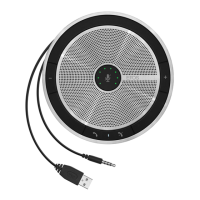
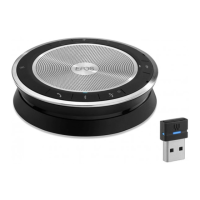
SP 30 | SP 30 + Bluetooth Speakerphone
Using the Speakerphone 13
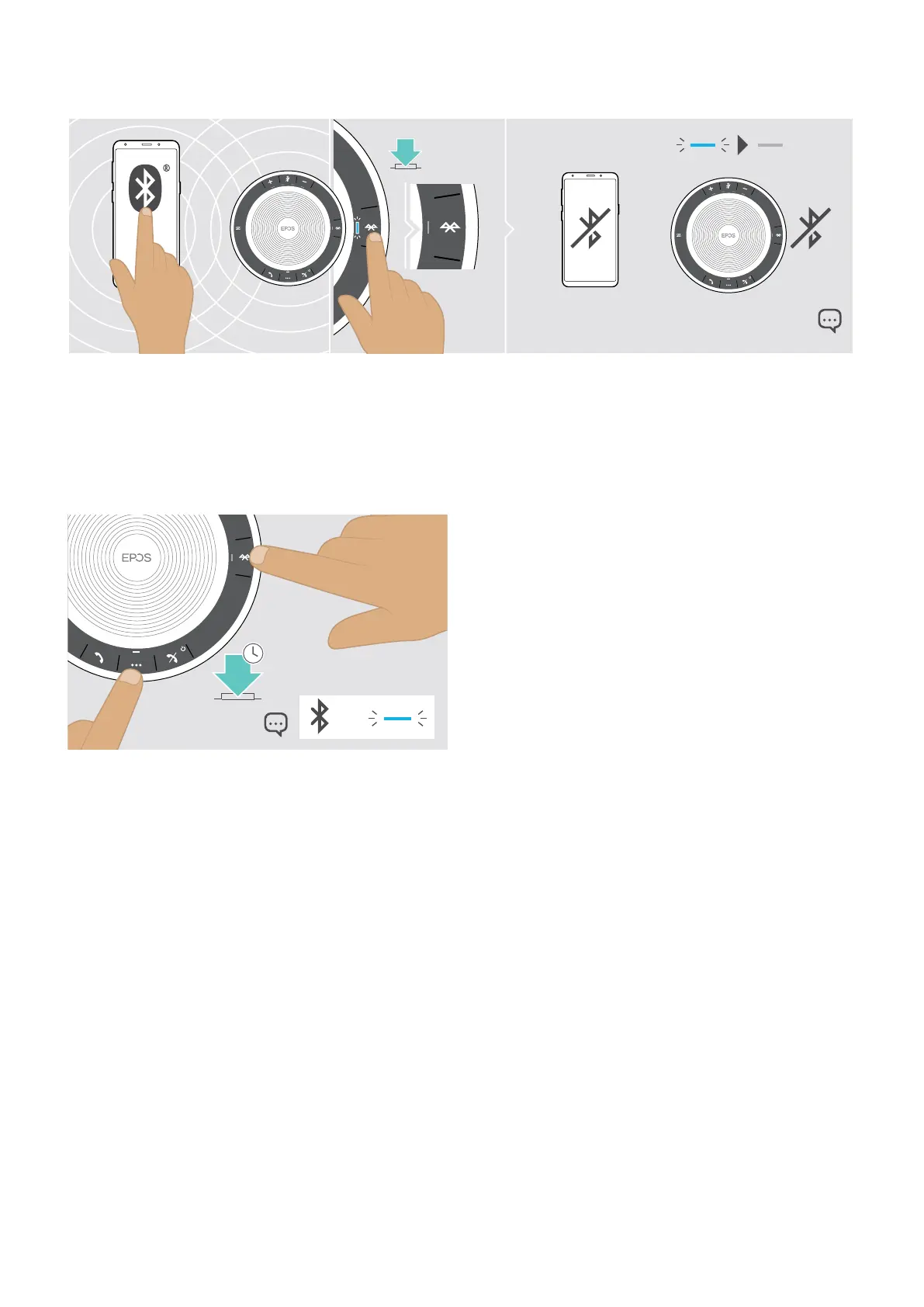
Disconnecting Bluetooth® device(s)
X Press the Bluetooth button. The LED turns o.
OR
Deactivate Bluetooth on the connected device.
To re-connect paired Bluetooth devices:
X Press the button again.
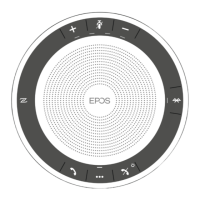
Clearing the speakerphone’s pairing list
3x
5s
X Press and hold the multi-function button and Bluetooth
button until you hear a voice prompt.
The LED ashes blue three times to indicate that
pairing list is cleared.


 To Next Page