21
6 Operation
6.2 Switching on the device
6.3 Starting a program
– Switch on the device using the main
power switch on the rear of the
device.
The current software version
appears briefly in the display.
The main menu then appears.
The program which is ready to be
started appears in the processing
level.
– The program in the processing level
can be started immediately by
pressing the key.
To start another program,
– press .
A list of the programs appears in the
display.
– Select the program name using the
or key (the program name
appears with a dark background).
The procedure for starting programs
which are stored on a personal card
is described in Sec. 9.3.
– Press .
The program starts immediately
after a "Testing Program".
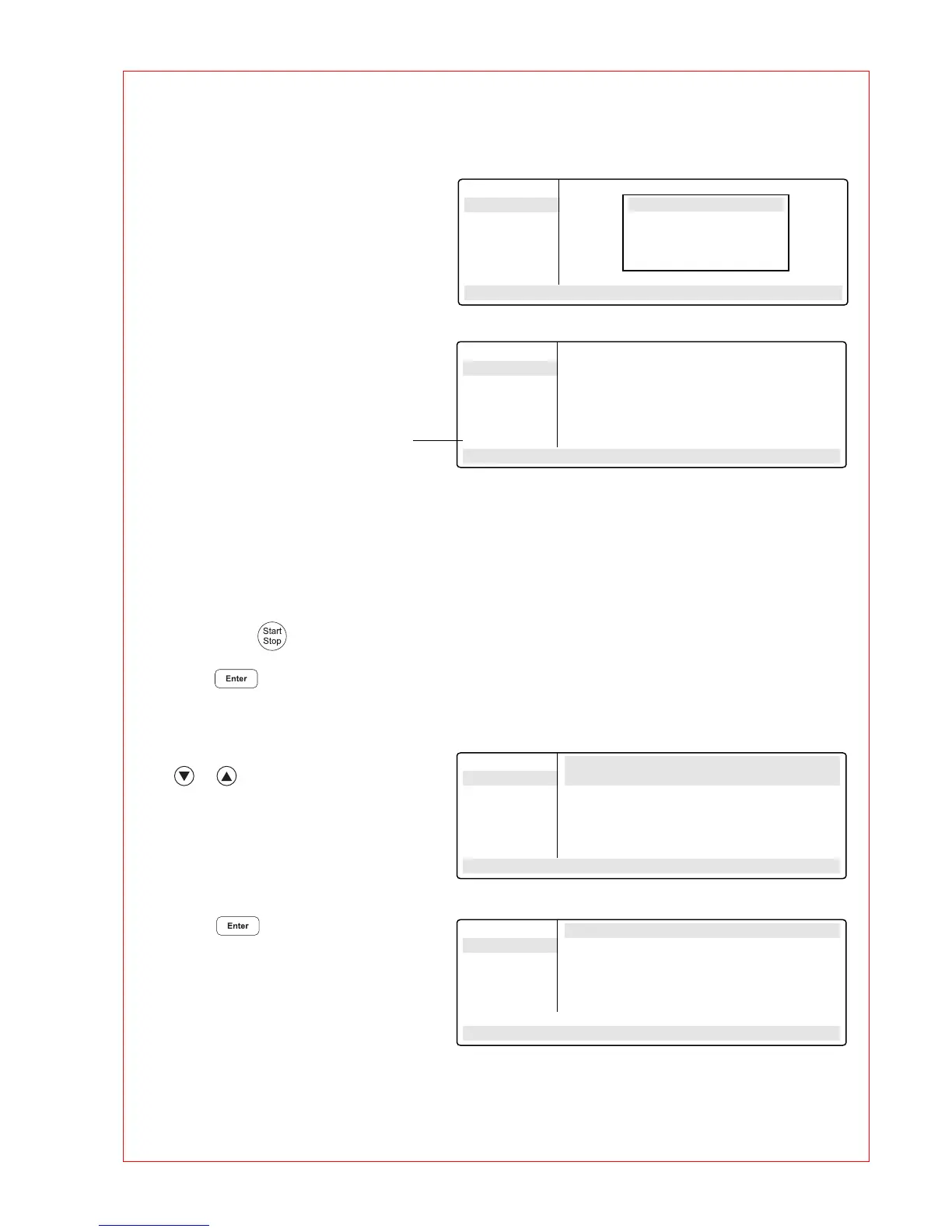
Main-Menu
Start
FILES . .
OPTIONS . .
Lid
Incubate
STANDARD
– –/25.0° Lid:105° 10:22:06
❋❋❋ MASTERCYCLER ❋❋❋
gradient 5331
eppendorf
Version
❋.❋❋.❋❋
Main-Menu
Start
FILES . .
OPTIONS . .
Lid
Incubate
STANDARD
– –/25.0° Lid:105° 10:22:06
Main-Menu Run a Program:
Start STANDARD
FILES . . TEST1
OPTIONS . . TEST2
Lid
Incubate
STANDARD
– –/25.0° Lid:105° 10:22:06
Main-Menu Run a Program:
Start 1 T=95.0° 0:00:05
FILES . .
OPTIONS . .
Lid
Incubate
Running/STANDARD Cyc:4
95.0/94.7° Lid:105° 10:22:06



 To Next Page