Product description
Mastercycler
®
nexus
English (EN)
17
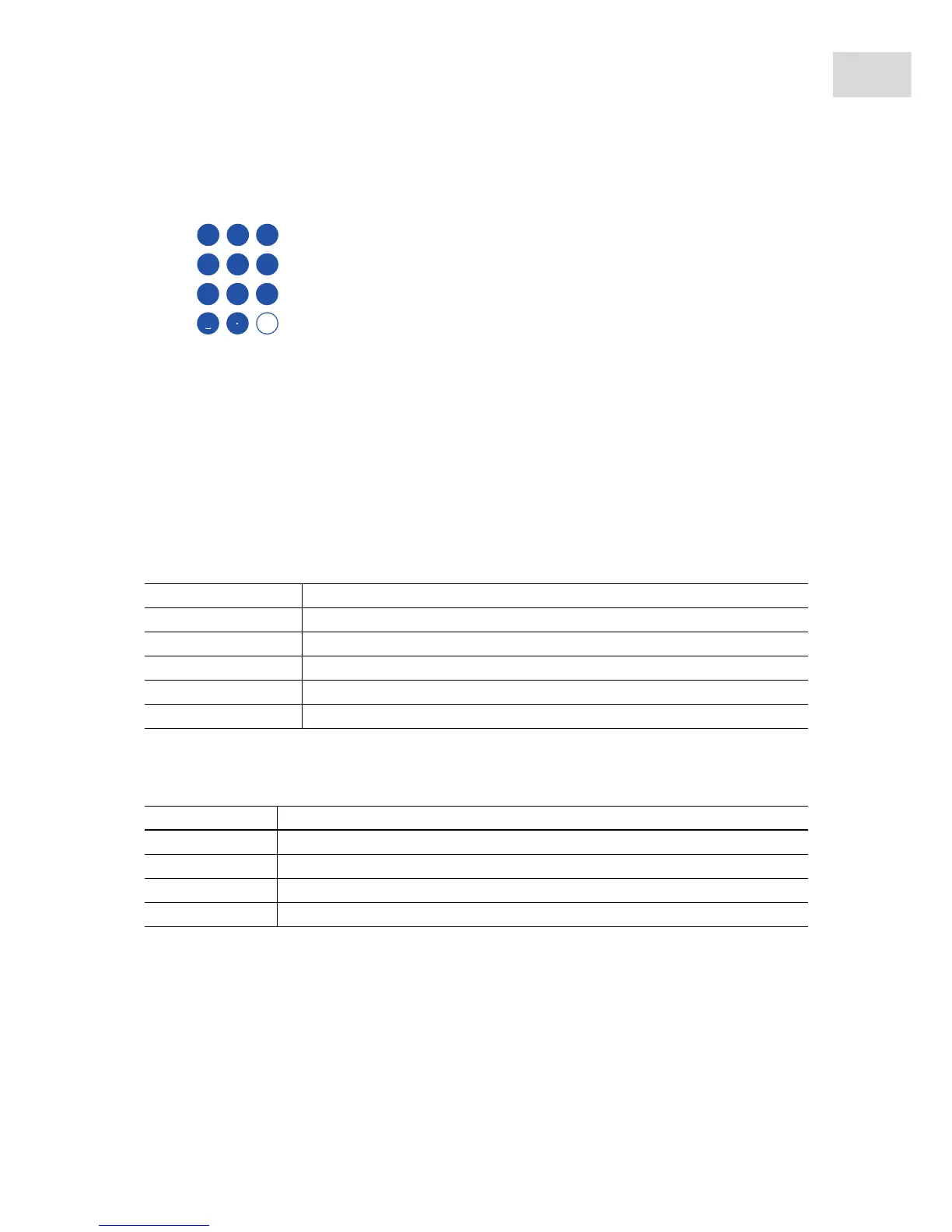
2.1.7 Number pad
To enter text, press the key with the desired letter until the respective letter is displayed.
Example: To enter pcr 3 in a text field, press the following keys one after the other:
1. For p: press 7 once.
2. For c: press 2 three times.
3. For r: press 7 three times.
4. For the space: press 0 (zero) twice.
5. For 3: press 3 four times.
2.1.8 Status lamp
2.2 Delivery package
Enter digits and text in input fields. For numeric input fields (e.g.
temperature, time), the keys only have numbers. For decimal numbers with
numbers after the decimal point, use the period as a decimal point.
Alphanumeric input fields have keys with multiple functions.
Status lamp Operating status
Briefly flashes green The device is in standby mode. The display is switched off.
Lights up green The device is in idle mode.
Flashes green A program run is active.
Flashes orange The program run is waiting for a user action in the Pause or Hold step.
Flashes red A fault has occurred. Additional information on the fault appears on the display.
Quantity Description
1Mastercycler nexus in the ordered version
1Operating manual
1Certificate of conformity
1Power cord



 To Next Page