Operation
Mastercycler
®
nexus
English (EN)
38
5.3.2 Changing users
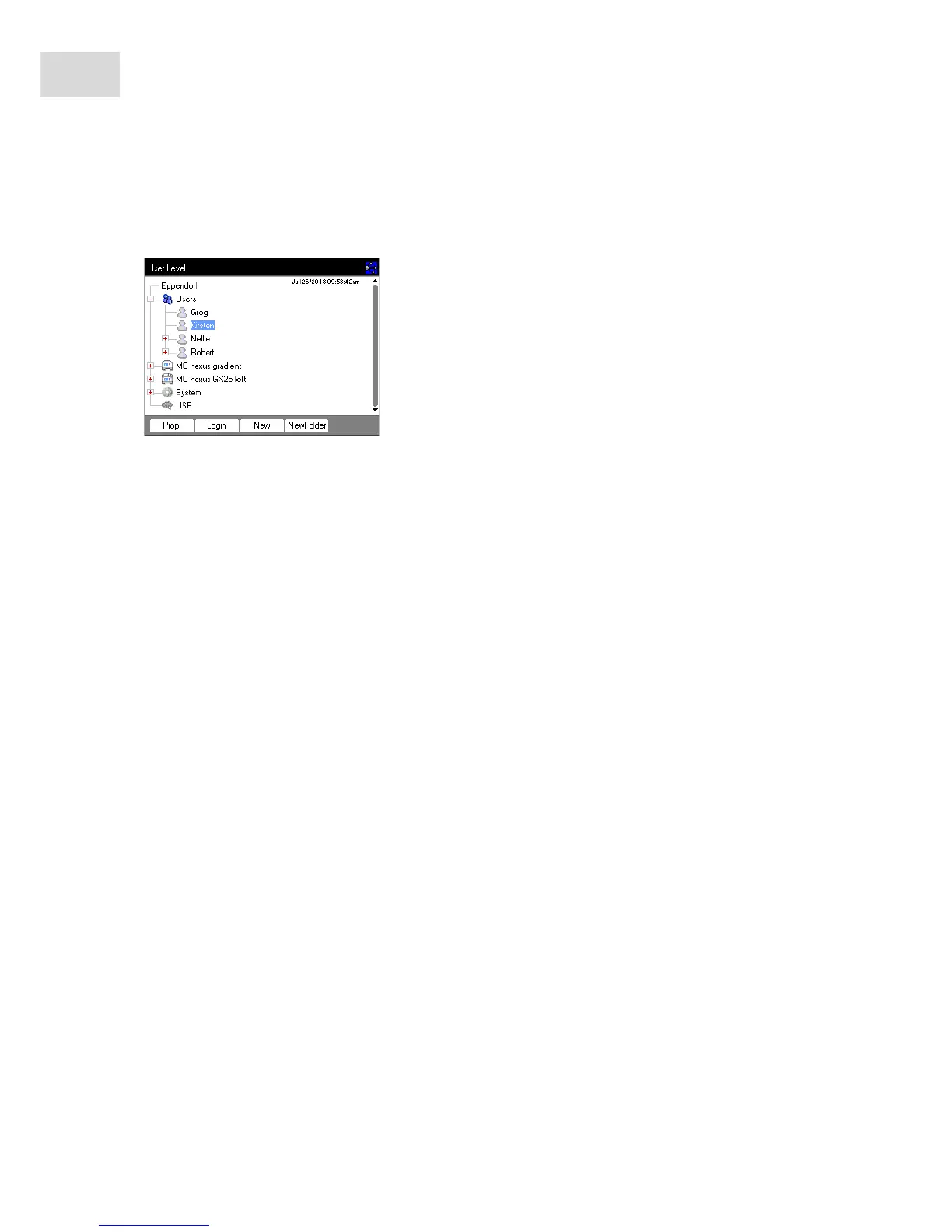
Only one user can be logged in at a time. Proceed as follows to switch between users:
5.3.3 Logging out as a user
You can log out to protect your programs against unauthorized changes.
1. Select your user node.
2. Press the Logout softkey.
You are now logged out.
The guest user is automatically logged in. The guest user cannot start programs and only has read
access to all programs and folders.
1. Select either your user node or the Other Users user node.
2. Press the Login softkey.
3. Log in as a user.
The previously logged-in user is automatically logged out.



 To Next Page