PCR run
Mastercycler
®
nexus
English (EN)
64
7.3 Interrupting or stopping a program
7.3.1 Interrupting a program
1. Open status view (see Starting a program on p. 61).
2. Press the stop key.
Paused is displayed in the status view.
7.3.2 Resuming a program
1. If the heated lid is open: close the heated lid.
2. Press the Resume softkey.
running appears in the status view, and the program run continues.
7.3.3 Stopping a program
Press the Abort softkey.
The Idle status is displayed. The program has been aborted and cannot be continued.
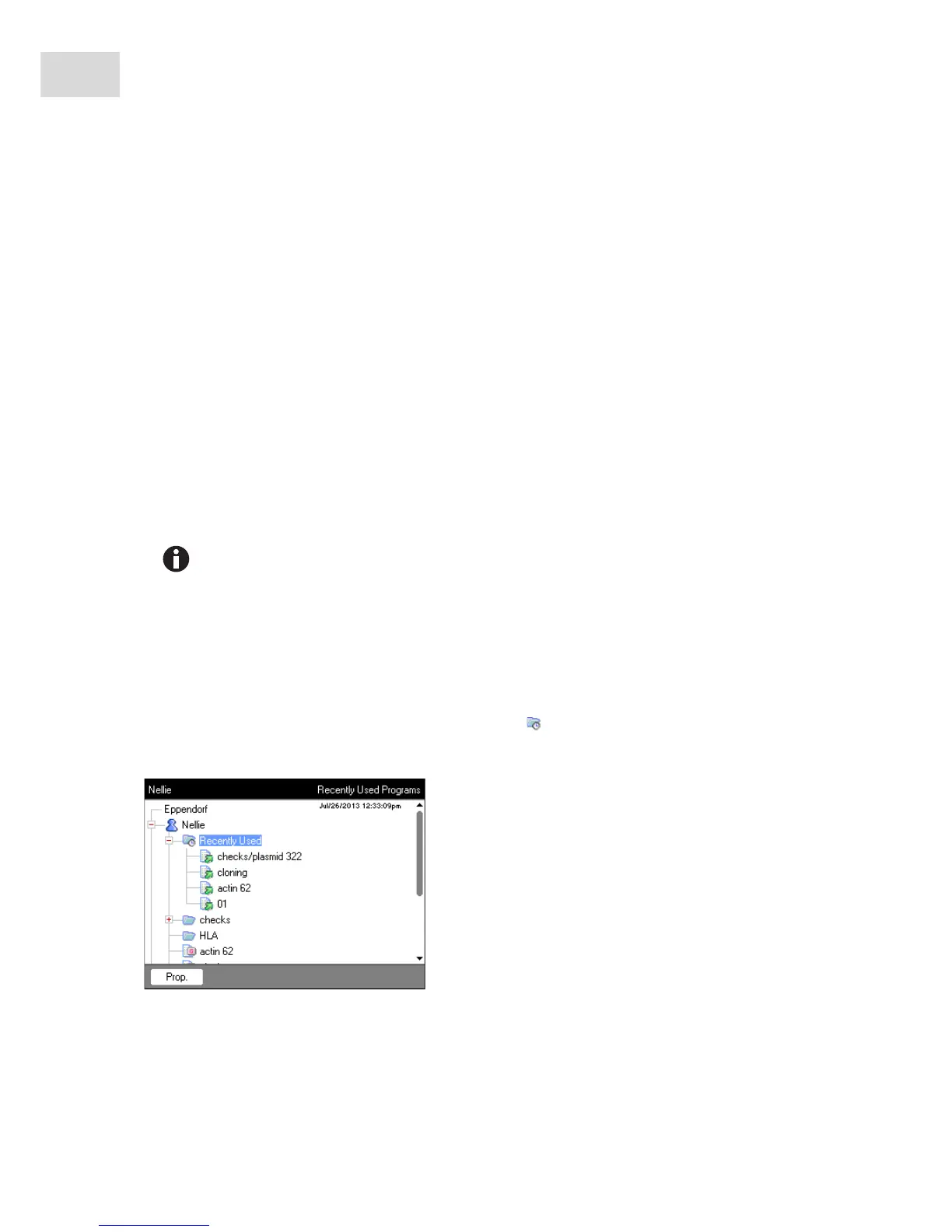
7.4 Displaying the most recently run programs
The device can display a list of the 5 most recently run programs.
If the PIN function is switched on and a user is logged in, the Recently Used node is positioned in the
user node.
A hold step at the end of a PCR program is completed via the enter key.
In the common status view, you can end the PCR program out of a hold step via the End 64 or
End 32 softkeys.



 To Next Page