PCR run
Mastercycler
®
nexus
English (EN)
63
7.2.1.1 Displaying the status view
Proceed as follows:
1. Mark the cycler in the navigation tree.
2. Press the Status softkey.
The status of the cycler is shown with an icon:
• Idle
• Running
• Paused
• Fault
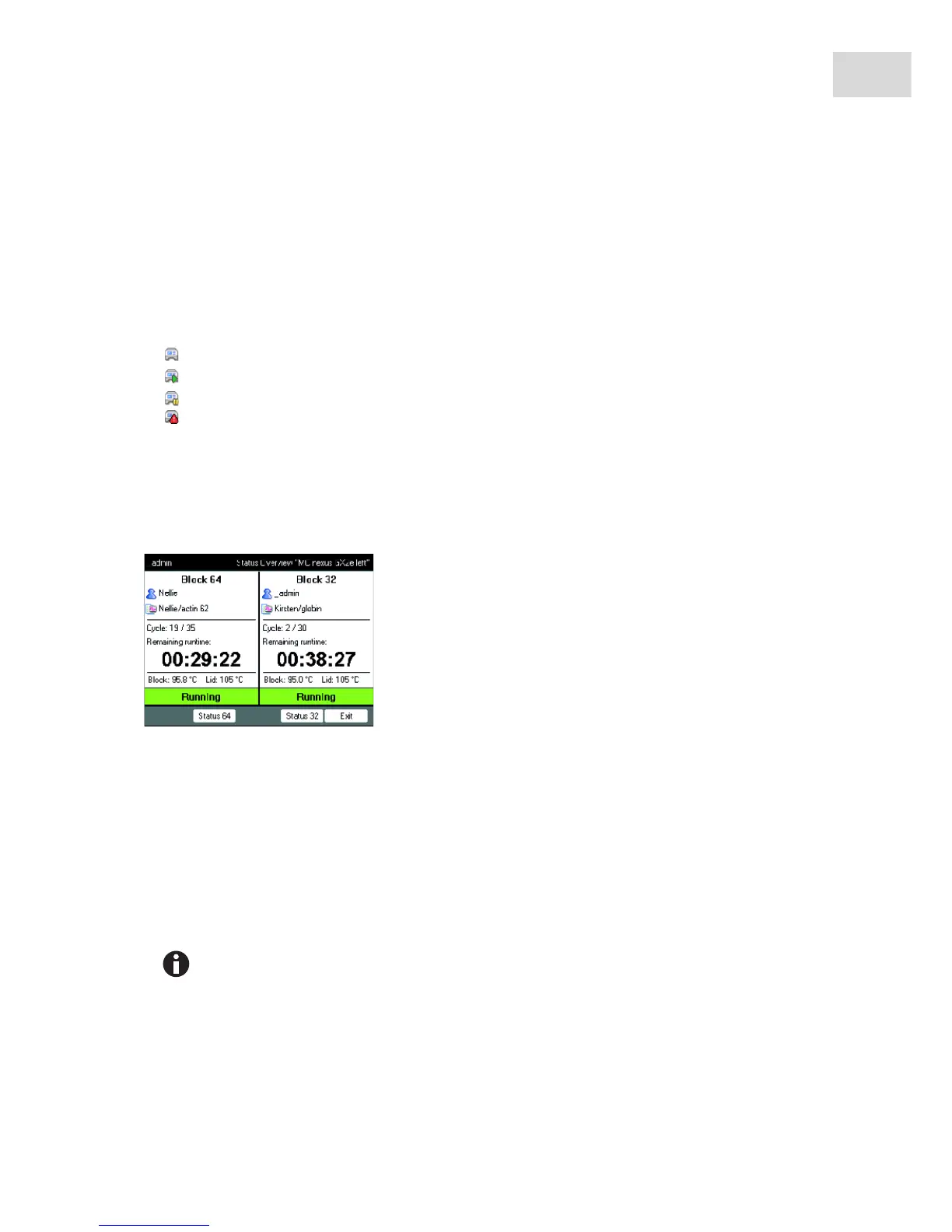
7.2.2 Common status view for devices with a thermoblock with 64+32 wells
The common status view shows the progress and most important information on the running programs of
both thermoblocks.
You can display the status views of the individual programs via the Block 64 and Block 32 softkeys.
The status views of the individual programs can be accessed via the up/down arrow keys.
Use the right/left arrow keys to call up the common status views of other connected cyclers.
To open the common status view, proceed as follows:
1. Mark the cycler in the navigation tree.
2. Press the Overview softkey.
The common status view can also be opened via the Overview softkey in the status view of the
respective program.



 To Next Page