System management
Mastercycler
®
nexus
English (EN)
70
8.3 System settings
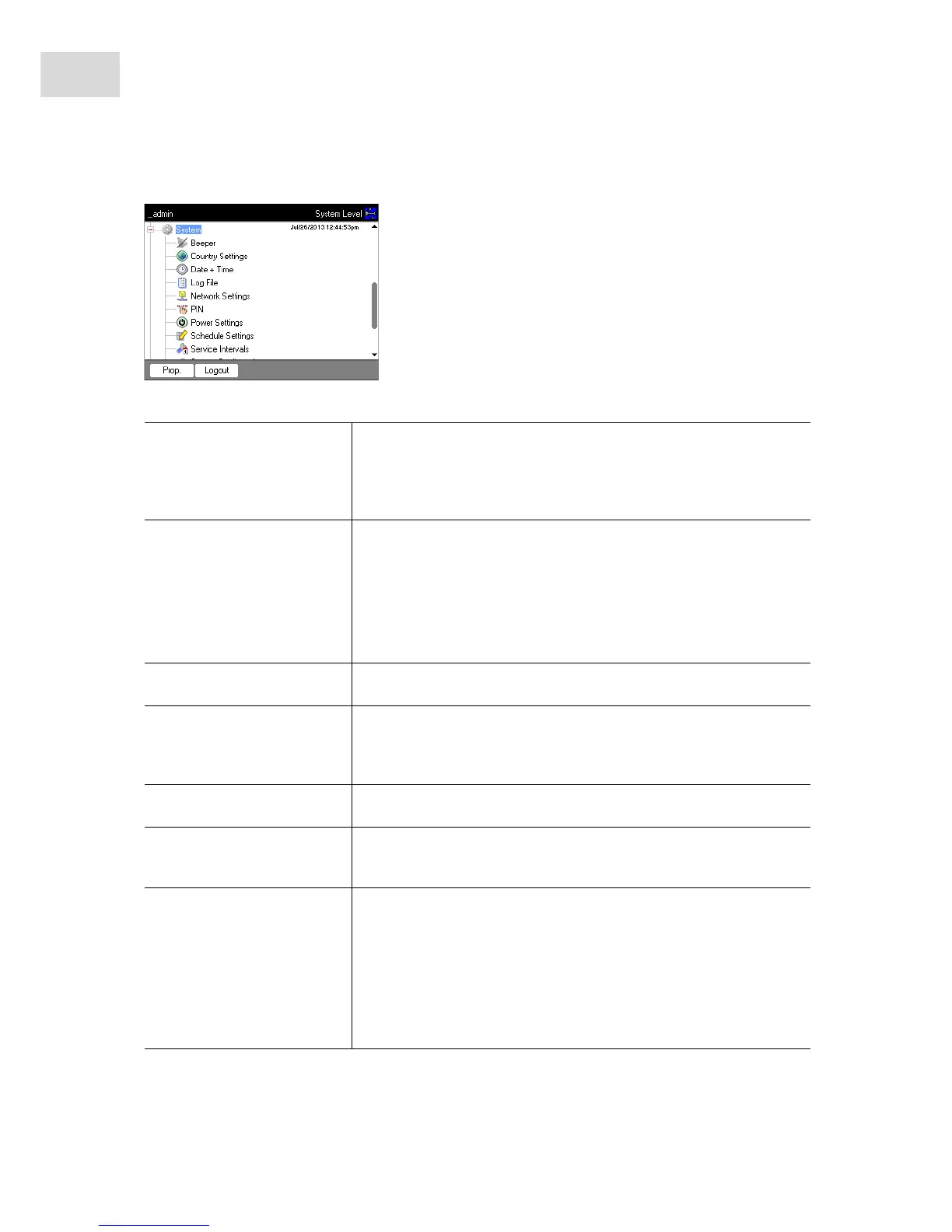
To change the system settings, open the System node.
Beeper: Activate or deactivate
signal tones
Activate or deactivate the Beeper node.
If the function is activated, the signal tones sound when keys are pressed
and when error messages are generated.
If the function is deactivated, the signal tones only sound when error
messages are generated.
Country Settings: Change
country settings
The country settings are identified by the international dialing code (e.g.
"001" for the U.S.).
The language as well as the date and time format (12 or 24 hour format)
are defined in the country settings.
1. Mark the Country Settings node. Press the Set softkey.
2. Select the desired settings. Press the OK softkey.
The device restarts.
Date + Time: Set the date and
time
1. Mark the Date + Time node. Press the Set softkey.
2. Set the date and time. Press the OK softkey.
Log File: Export log file
Mark the Log File node. Press the Export softkey. The log file is
written to the storage medium.
Optional: to display the log file, mark the Log File node. Press the
Show softkey.
Network Settings: Change
network settings
Set up a network connection (see Network connection on p. 79).
PIN: Activate or deactivate PIN
Activate the PIN function (user management) with the Select softkey;
deactivate it with the Unselect softkey.
The device restarts.
Power Settings: Configure the
automatic power save mode
Use the Power Settings node to define whether and when the device
automatically enters the power save mode.
1. Mark the Power Settings node. Press the Set softkey.
2. To activate the automatic power save mode, check the Enable
automatic standby checkbox.
3. Set the time after which the device should automatically switch to
power save mode in the Enter standby mode after (hh:mm) field.
Press the OK softkey.



 To Next Page