System management
Mastercycler
®
nexus
English (EN)
76
8.5 Managing and backing up data
8.5.1 Backing up data
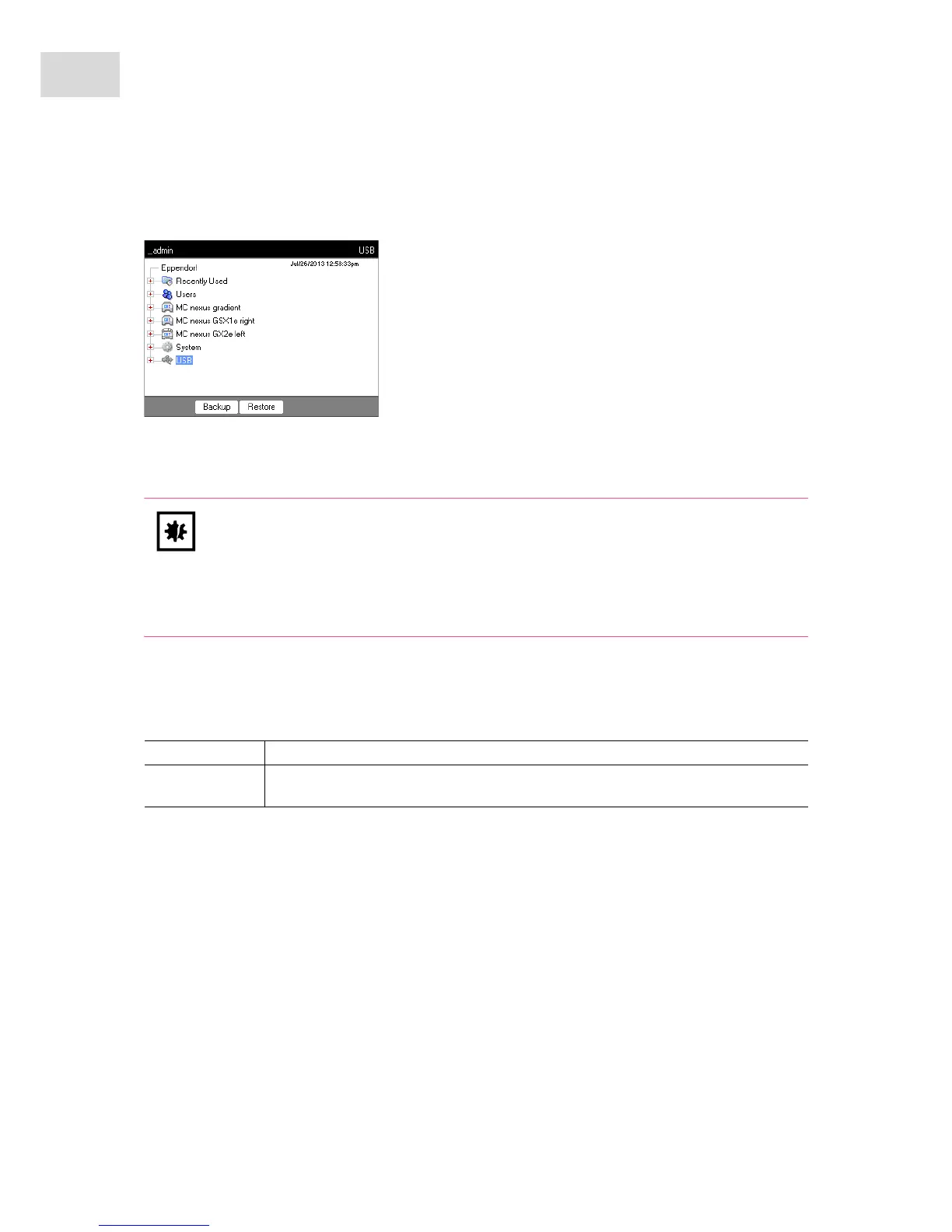
The softkeys in the window above show the possibilities the administrator has to transfer data. Default
users can only perform backups here.
1. Connect a storage medium.
The node for the storage medium appears in the navigation tree.
2. Mark the node for the storage medium.
NOTICE! Loss of data after creation and restoration of a data backup.
Creating a data backup on a USB storage medium: Before the backup is created, the
\eppendorf folder on the USB storage medium is completely erased.
Restoring a data backup: Before the data backup is restored, already existing user nodes,
folders and programs on the cycler are erased. Only the data transferred from the storage
medium will be available after the restore.
Backup Save user nodes, folders and programs to an external storage medium.
Restore Administrator only: Restore the user nodes, folders and programs saved on the storage
medium during a backup.



 To Next Page