System management
Mastercycler
®
nexus
English (EN)
77
8.5.2 Exporting and importing programs
8.6 Transferring programs from an older Mastercycler model
PCR programs from older Mastercycler models can easily be transferred to the Mastercycler nexus without
optimization of the temperatures and holding times.
Enter the program into the Mastercycler nexus editor:
Gradient protocol on the Mastercycler gradient and analog setting on the Mastercycler nexus gradient
Enter the program into the Mastercycler nexus editor:
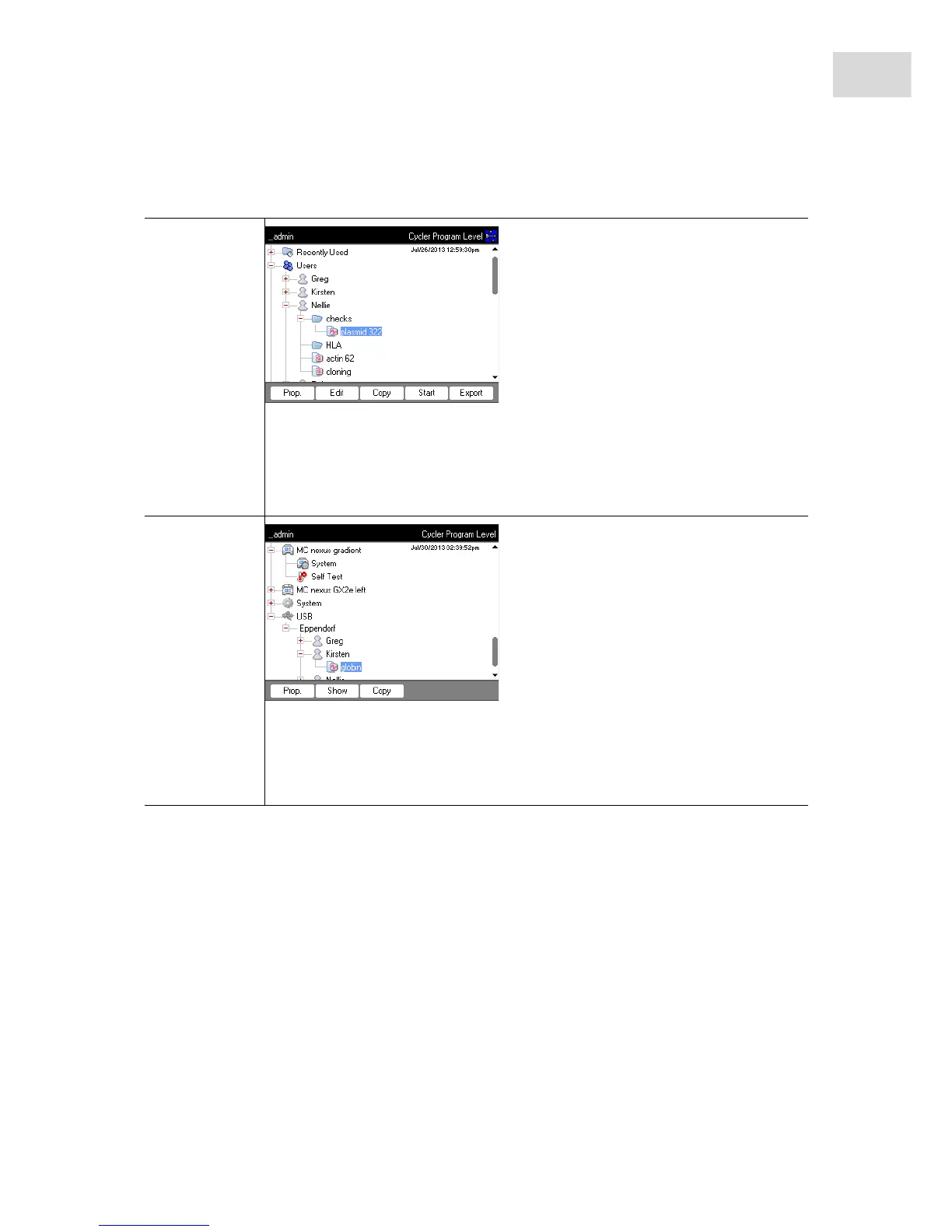
Export
1. In the navigation tree, mark the program.
2. Connect a storage medium.
3. Press the Export softkey.
The program is copied to the storage medium.
You can transfer the exported programs to another device.
Import
1. Connect the storage medium with the exported programs.
2. Open the node for the storage medium and mark the folder or program you would
like to import.
3. Press the Copy softkey.
4. Mark the user node or folder at the target location. Press the Paste softkey.



 To Next Page