System management
Mastercycler
®
nexus
English (EN)
79
Press the OK softkey.
The editor is displayed.
Press the >> softkey. Press the Save softkey.
You can start the program without renewed optimization of the parameters.
8.7 Network connection
You can connect the Mastercycler nexus to an Ethernet network to send e-mails and log files. To set up the
network connection, you will need the following information from your network administrator:
•IP address, subnet mask and gateway address for the Mastercycler nexus (specified by the network
administrator).
Alternatively, you can assign the IP address automatically via DHCP.
•IP address of the primary DNS server
You can optionally enter the IP address of a backup DNS server. Alternatively, you can assign the IP
address automatically via DHCP.
•For sending e-mails:
–E-mail address of the sender with the user name and password to log into the SMTP server (if
required)
–Name or address and port number of the SMTP server
•For sending Syslog messages:
–Name or address and port number of the syslog server
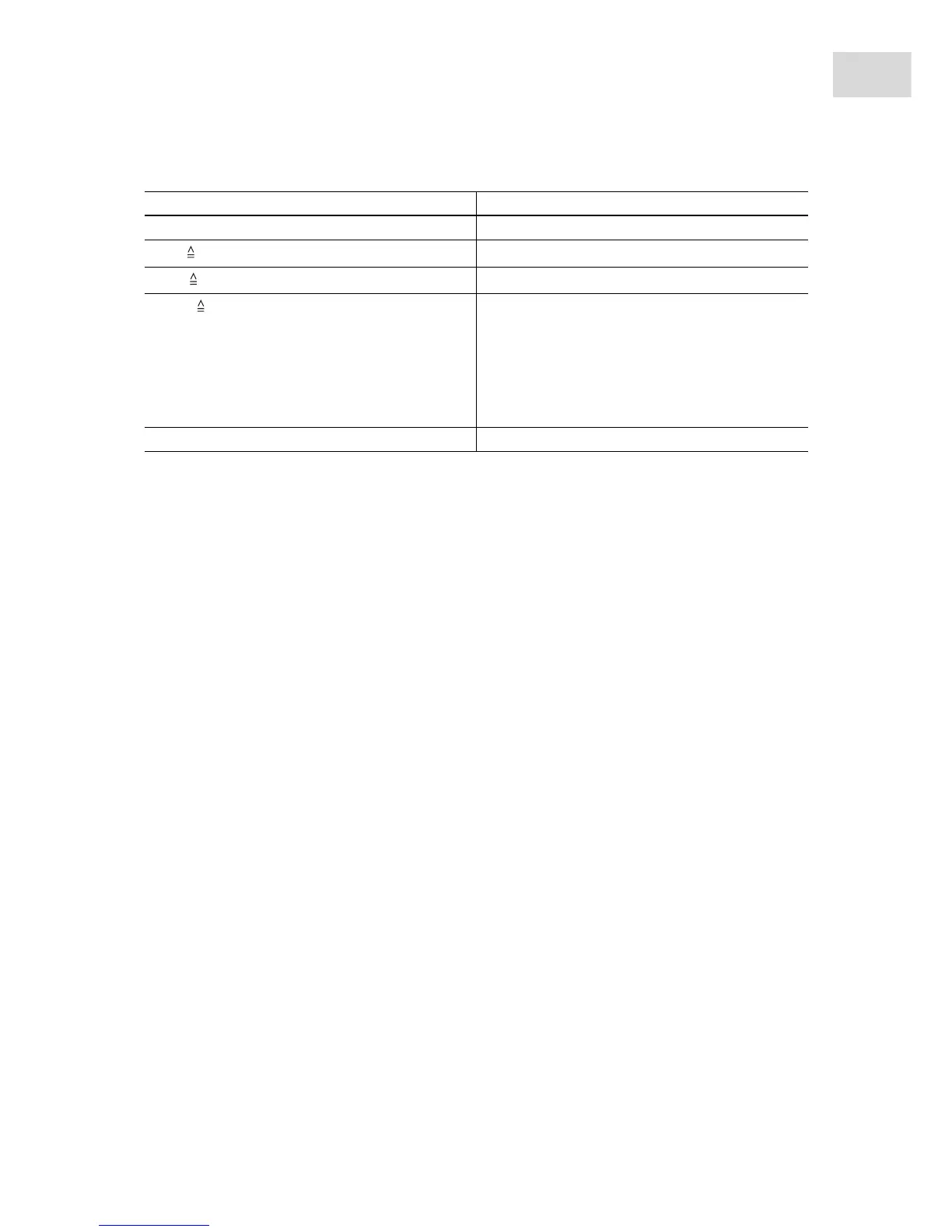
Setting from the Mastercycler 533x program Corresponding setting in the program header
LID 105°C Lidtemp.
WAIT
TSP heated lid
AUTO
switch off lid at low blocktemperature
CNTRL
Block = Temp. mode fast
Tube = Temp. mode standard or safe
Select the Temp. mode setting based on the reaction
volume or the sample properties (see p. 52). The
temperature control mode for 0.5 mL standard
tubes (not thin-walled) is no longer supported on
the Mastercycler nexus.
Block temperature control behavior Check the Simulate Mastercycler gradient checkbox.



 To Next Page