System management
Mastercycler
®
nexus
English (EN)
82
4. Select the data you would like to send and their file type.
• Cycler run protocol: Protocol of the program run
• Error log file: Log file with errors that occurred during the program run
• Self test certificate: Self test certificate of a successful self test
5. Press the OK softkey to accept the settings.
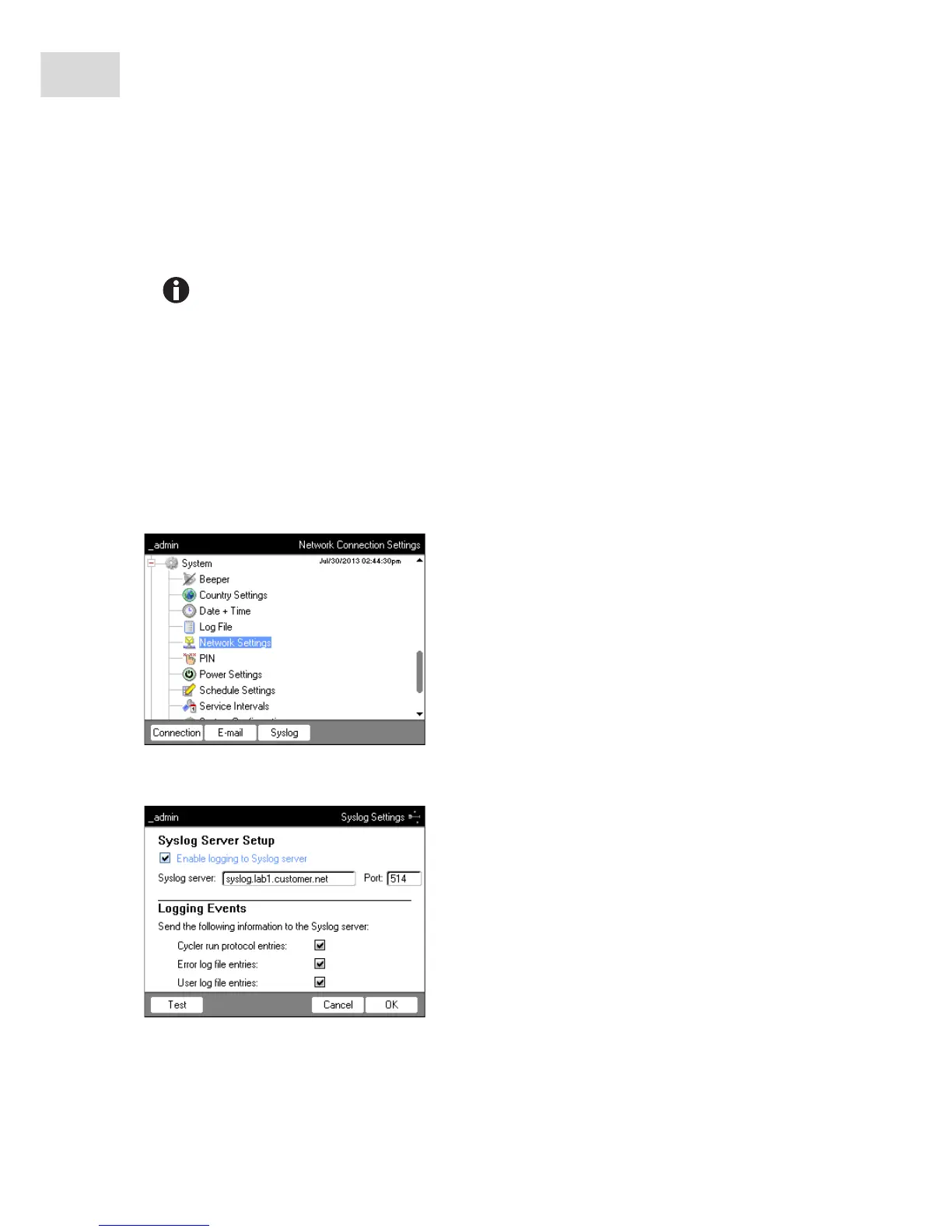
8.7.3 Setting up syslog messages
Prerequisites
•Network connection has been set up (see p. 80)
•Logged in as an administrator (see p. 37)
Proceed as follows:
1. Select the System > Network Settings node.
2. Press the Syslog softkey.
The Syslog Settings window appears.
3. To activate log files on the syslog server, check the Enable logging to Syslog server checkbox. Enter the
server address and the port.
Press the Test softkey to send a test e-mail.



 To Next Page