System management
Mastercycler
®
nexus
English (EN)
81
8.7.2 Setting up e-mail notifications
Prerequisites
•Network connection has been set up (see p. 80)
•Logged in as an administrator (see p. 37)
Proceed as follows:
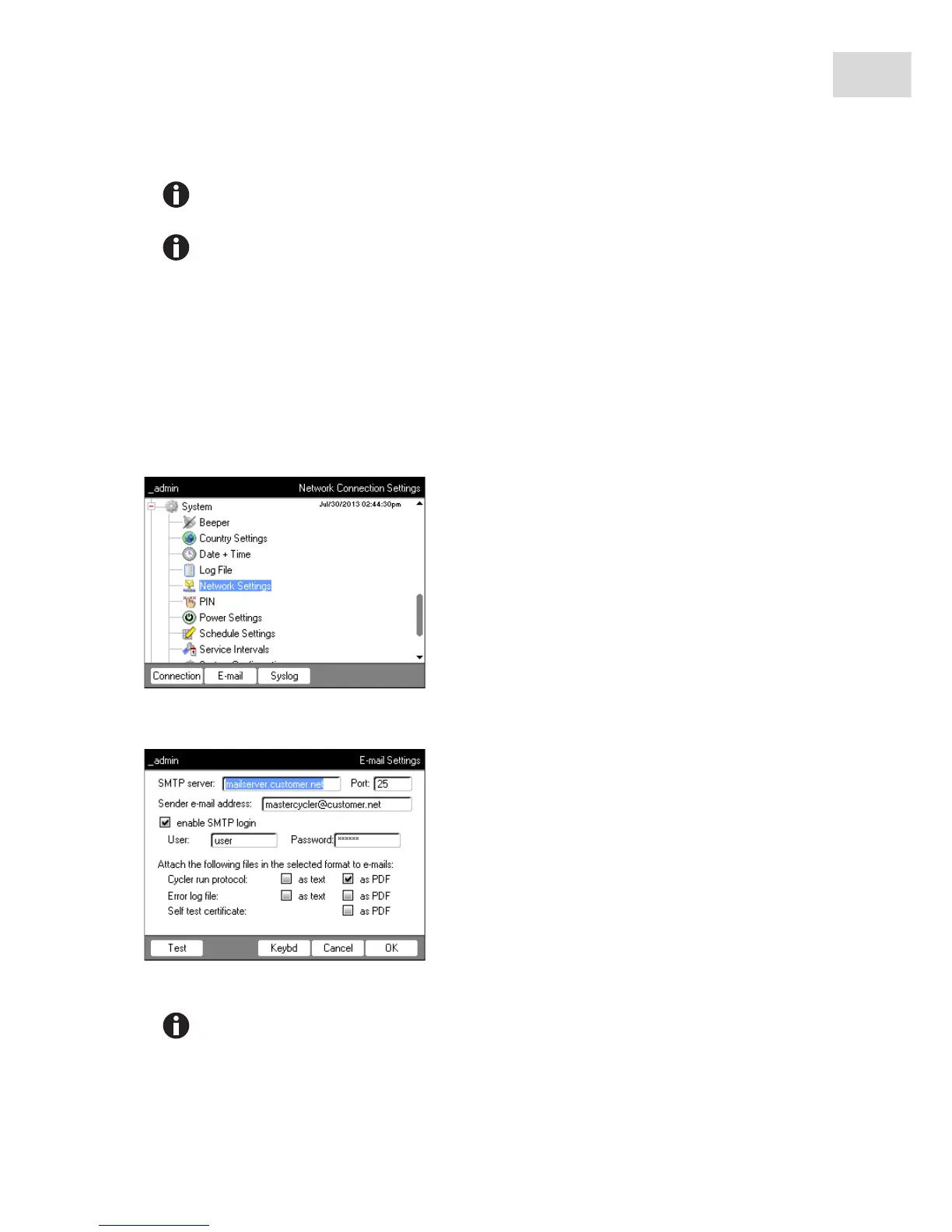
1. Select the System > Network Settings node.
2. Press the E-mail softkey.
The E-mail Settings window appears.
3. Enter the settings as specified by the network administrator.
Press the Test softkey to test the connection to the default gateway.
If your network administrator needs the MAC address of the Mastercycler nexus, press the
MAC Info softkey.
If the SMTP server requires identification, check the enable SMTP login checkbox. Enter user
name and password.



 To Next Page