3-2
Printing and Printer Management
Start.bk
Rev. C
A5 size CHAP3.FM
1/27/99 Pass 0
L
Proof Sign-off:
Miyazaki _______
Yamanouchi _______
Jacqueline _______
Loading Paper
Loading roll paper
To load the roll paper, follow the steps below.
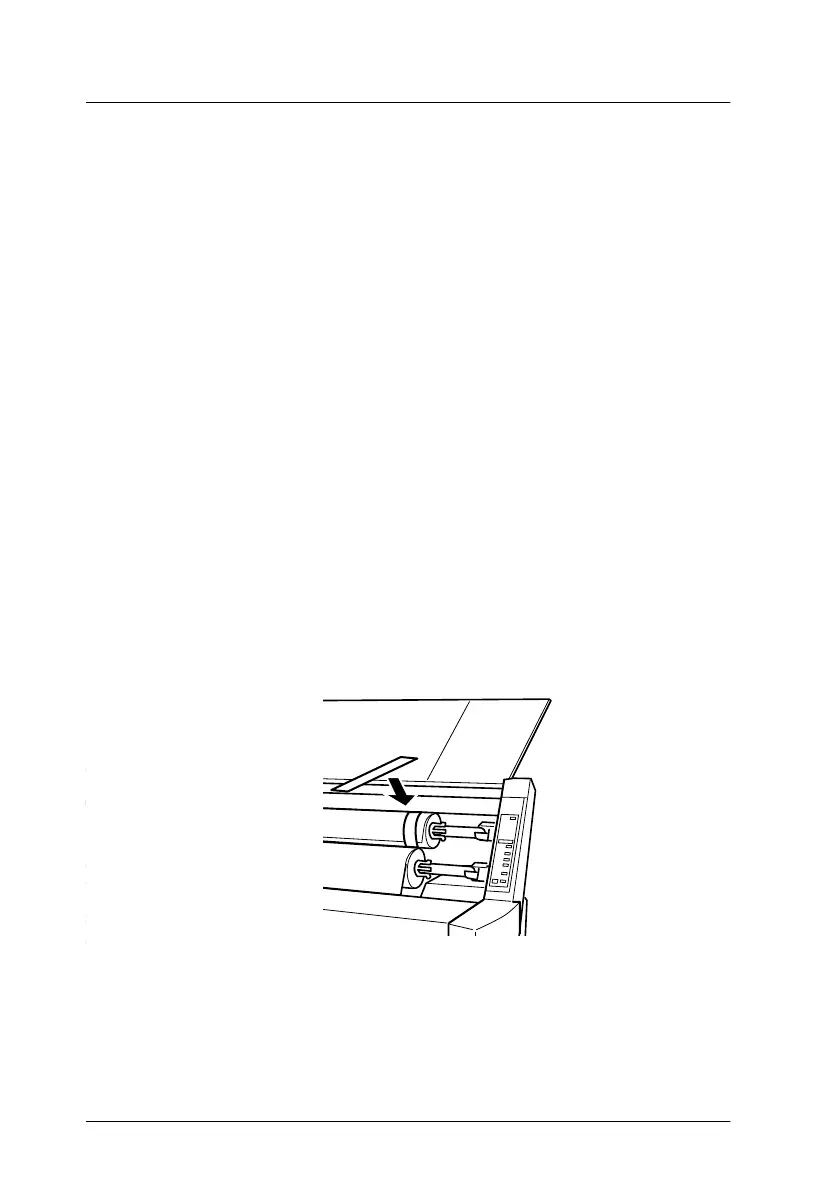
1. Open the roll paper cover. Make sure that the roll paper is
attached to the printer properly.
c
Caution:
Keep your fingers off the printable surface of the media, as
fingerprints may reduce printout quality. Whenever
possible, use gloves to load paper into the printer.
Note:
If two roll paper spindles are attached to the printer, keep the unused
roll wound up using the roll paper belt, to avoid paper jams. To
secure the roll paper, tap the end of the roll paper belt lightly on the
roll paper. To remove the roll paper belt from the roll paper, simply
take off the belt.
2. Make sure that the printer is on.














 To Next Page