3
Printing and Printer Management
3-13
Start.bk
Rev. C
A5 size CHAP3.FM
1/27/99 Pass 0
R
Proof Sign-off:
Miyazaki _______
Yamanouchi _______
Jacqueline _______
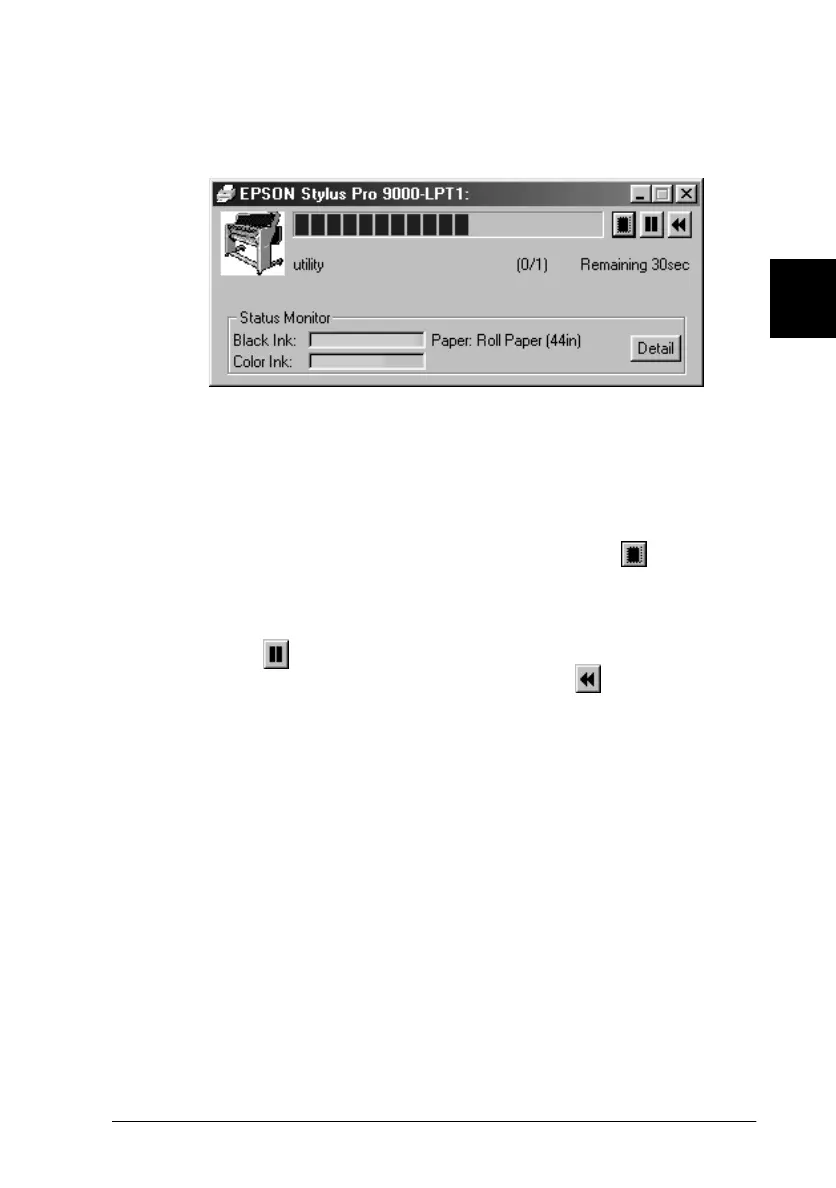
While printing, the EPSON Progress Meter will appear, showing
the printing progress and the status of your printer.
For details, see “Printer Software” in your
Online Guide
.
Cancelling printing from your PC
To cancel the printing in progress, press the Stop ( ) button on
the EPSON Progress Meter.
You can also pause or restart printing. To pause printing, press
the Pause ( ) button. To resume printing, press this button
again. To restart printing, press the Reprint ( ) button.















 To Next Page