3
Printing and Printer Management
3-17
Start.bk
Rev. C
A5 size CHAP3.FM
1/27/99 Pass 0
R
Proof Sign-off:
Miyazaki _______
Yamanouchi _______
Jacqueline _______
11. Adjust Speed and Quality in the Mode box if a slider appears.
Drag the slider left or right depending on which is more
important. This setting is usually automatically decided in
accordance with your Media Type setting.
Note:
Depending on the Media Type you choose, a slider appears in the
Mode box.
12. Be sure to make the settings for Copies and Pages, then click
the
Print
button to start printing.
Cancelling printing from your Macintosh
When background printing is on
1. Press the
Power
button to turn off the printer.
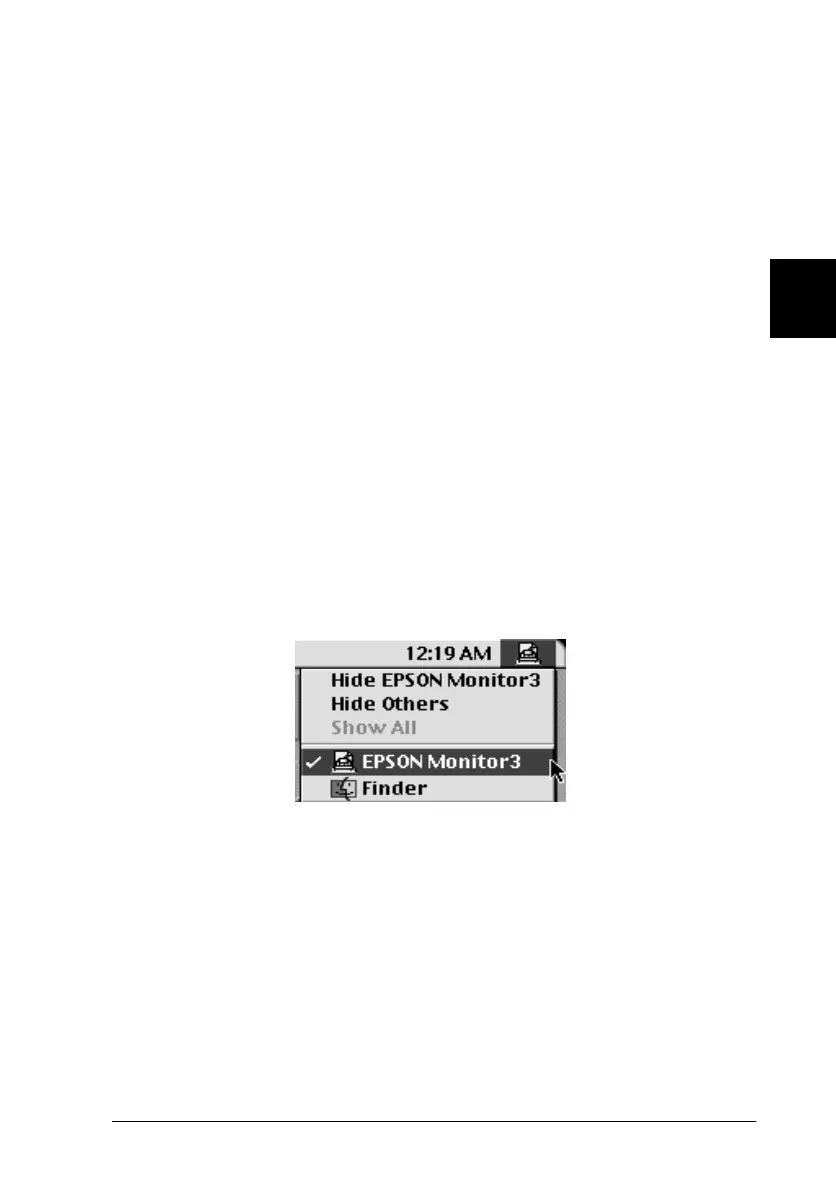
2. Select
EPSON Monitor3
from the application menu.















 To Next Page