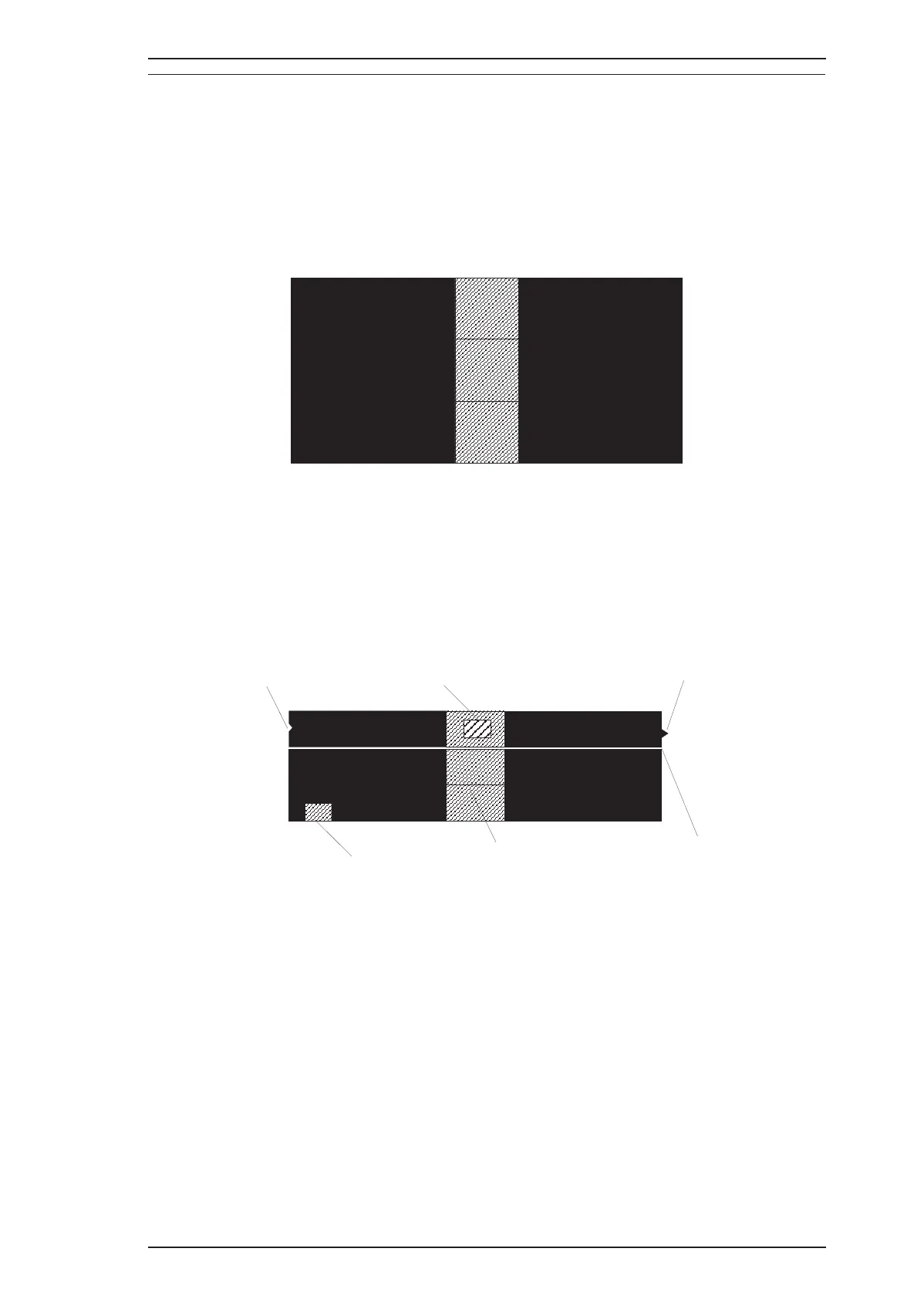
5.5.1.1 How to Perform the 360-DPI Printing
It is possible to confirm the any problems with the 360-DPI check pattern printing. Also, if you receive the
white banding problem, you can confirm the wrong condition quickly. Please perform the proper repair
referring under explanations.
[Step 1] Connect the host computer to the printer with the printer cable.
[Step 2] Insert the paper to the hopper and load a paper.
[Step 3] .Execute the adjustment program"CLR200.EXE" and select “Print CHECK-PATTERN”. The
printer print the chekc pattern as shown below.
5.5.1.2 Standard of “ Is the printing normal?”
If the 360-DPI printing pattern has a following problem, advance to next step on the flow chart.(Section
5.5.1.3)
Figure 5-3. 360-DPI Check Pattern
White banding
There is a projection part.
Smear part
Smear part
There is a hollow place.
Black Banding
Figure 5-4. Standard of Dot-missing
Epson Stylus Color 200 /Epson Stylus 200 Troubleshooting
Rev. A 5-9


 To Next Page