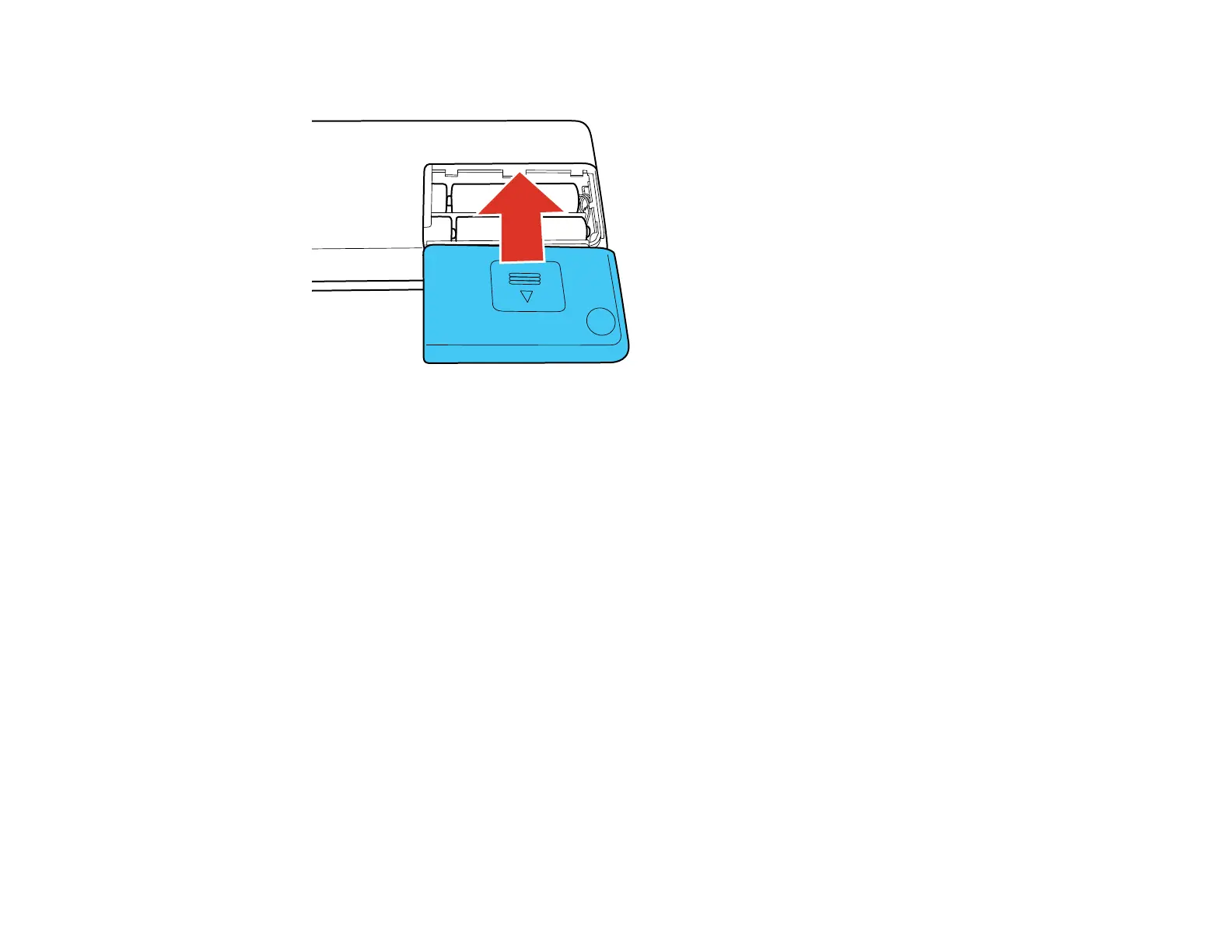
3. Slide the battery cover back on.
Parent topic: Powering Your Scanner
Related references
Battery Safety Instructions
Using the Optional AC Adapter
When scanning a large number of documents over a wireless connection, use the optional AC adapter
(part number B12B867201) to avoid draining the batteries.
Note: The AC adapter does not recharge the batteries installed in the scanner.
15



 To Next Page