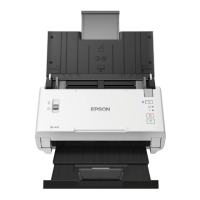
7. Press the power button to turn on the scanner.
The ready and Wi-Fi lights on the scanner stay on, indicating that the scanner is connected to the
network.
8. Set up network scanning on your computer.
Parent topic: Wi-Fi Protected Setup (WPS)
Epson DocumentScan App for iOS/Android
You can use the Epson DocumentScan app to scan from a network scanner to an iOS or Android device
over a direct Wi-Fi connection.
You can find more information about Epson DocumentScan by searching for the app on the App Store
(iOS) or Google Play (Android).
Parent topic: Wi-Fi Networking
35



 To Next Page