Parent topic: Cleaning and Transporting Your Scanner
Related references
Optional and User Replaceable Epson Scanner Parts
Replacing Batteries
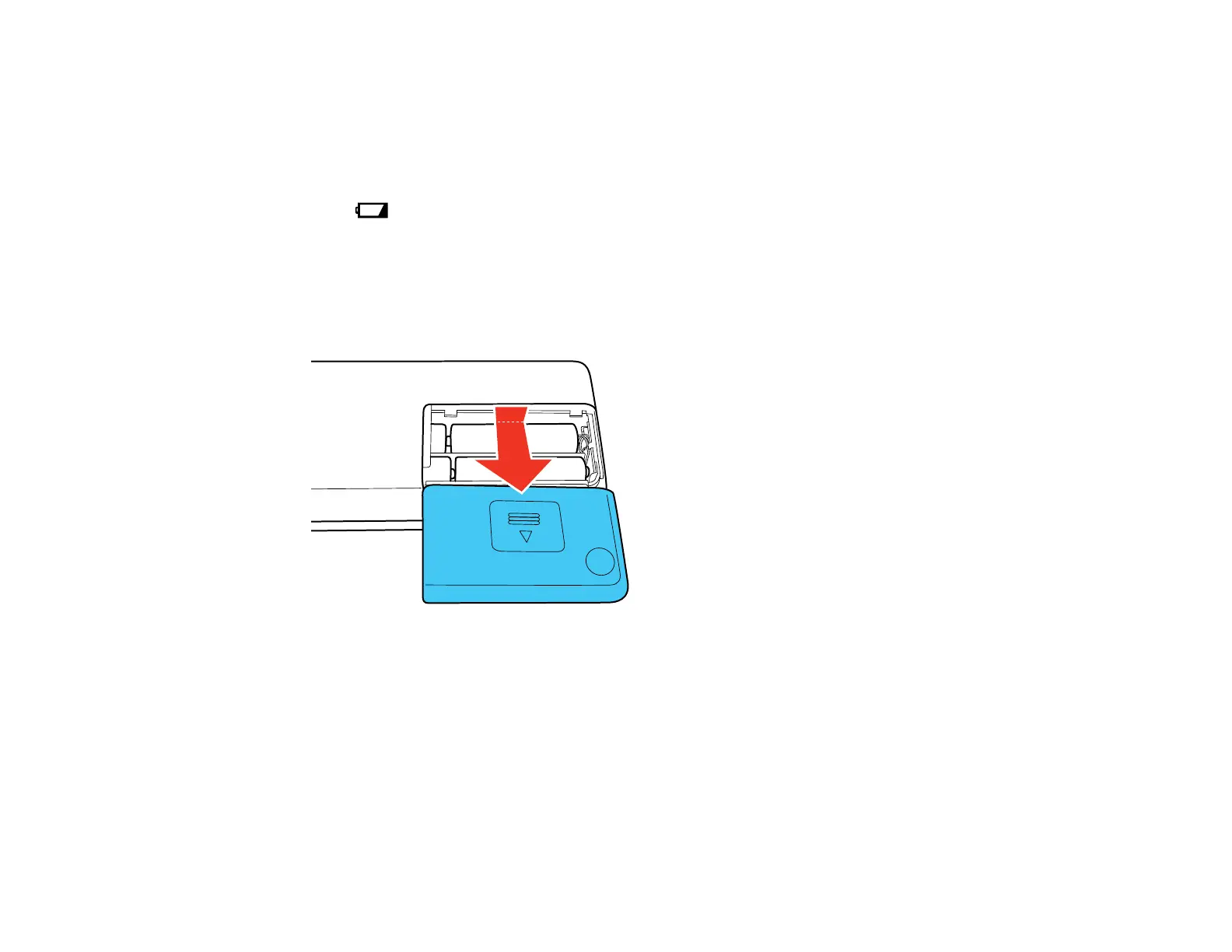
When the low battery light is on, you need to replace the batteries. You can use 4 AA batteries (Ni-
MH, alkaline, or lithium) to power your scanner.
Caution: Use only the type of batteries specified in this manual. Do not install batteries of different types,
or mix new and old batteries.
1. Slide off the battery cover.
54



 To Next Page