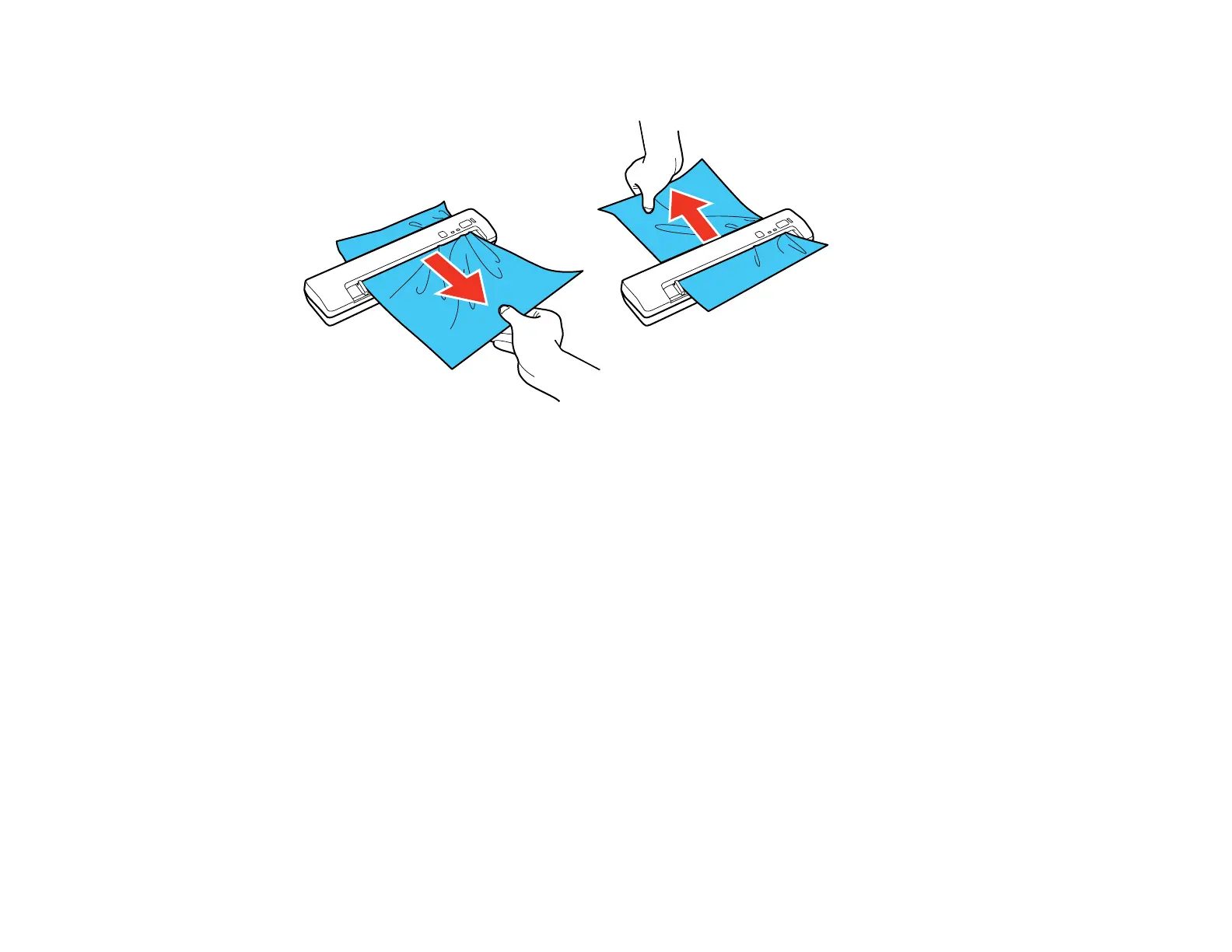
2. Gently pull out the jammed original in the direction that offers the least resistance.
Note: If a piece of paper gets stuck in the roller and remains inside the scanner, remove it carefully
with a pair of tweezers in the direction of the output slot. If you cannot remove it, contact Epson
support.
3. Carefully follow all loading instructions when you reload your original.
Parent topic: Solving Scanning Problems
Related references
Original Document Loading Capacity
Plastic Card Loading Capacity
Related tasks
Loading Originals in the Input Slot
Scanning is Slow
If scanning becomes slow, try these solutions:
• Scan your original at a lower resolution, if possible.
65



 To Next Page