EB-S01/W01/X14G/S11/X11/S02/S02H/X02/W02/S12/S12H/X12/W12/X14 EH-TW480
Product Description CONFIDENTIAL
SEIKO EPSON 12 Revision C
1.2 Features
The EB-S01/W01/X14G/S11/X11/S02/S02H/X02/W02/S12/S12H/X12/W12/X14
EH-TW480 are portable compact business/home projectors with the following
features:
Auto Vertical-Keystone
(EB-X14G/X11/S02/S02H/X02/W02/S12/S12H/X12/W12/X14 EH-TW480
only)
When the sensor of the projector detects the change in setting, the projector
automatically corrects the keystone in the vertical direction.
Horizontal Keystone Adjuster
(EB-X11/S12/S12H/X12/W12/X14 EH-TW480 only)
This allows you to quickly correct horizontal distortion of the projected image.
Direct Power On/Off
No cool-down period is needed.
Project screen for WXGA (16:10)
(EB-W01/W02/W12 EH-TW480 only)
Auto Iris
With an optional document camera (ELPDC06/ELPDC11), you can magnify and
project the images of your documents.
USB connection for projection (USB Display) is available.
USB terminal (Type B) for USB Display
Slide show is available
(EB-S11/X11/S12/S12H/X12/W12/X14 EH-TW480 only)
The images in a USB flash drive can be projected without using a computer
USB terminal (Type A) for USB Display
HDMI terminals
(EB-S02H/S12H/X12/W12/X14 EH-TW480 only)
Enhanced security functions
Password protection
Operation Lock
Anti-theft Lock
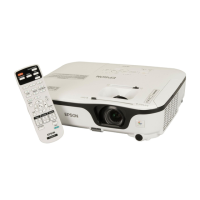
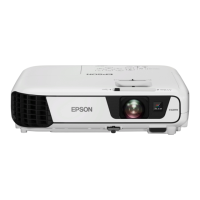
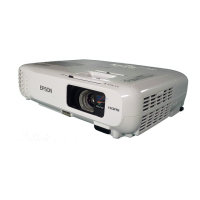
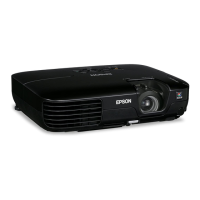
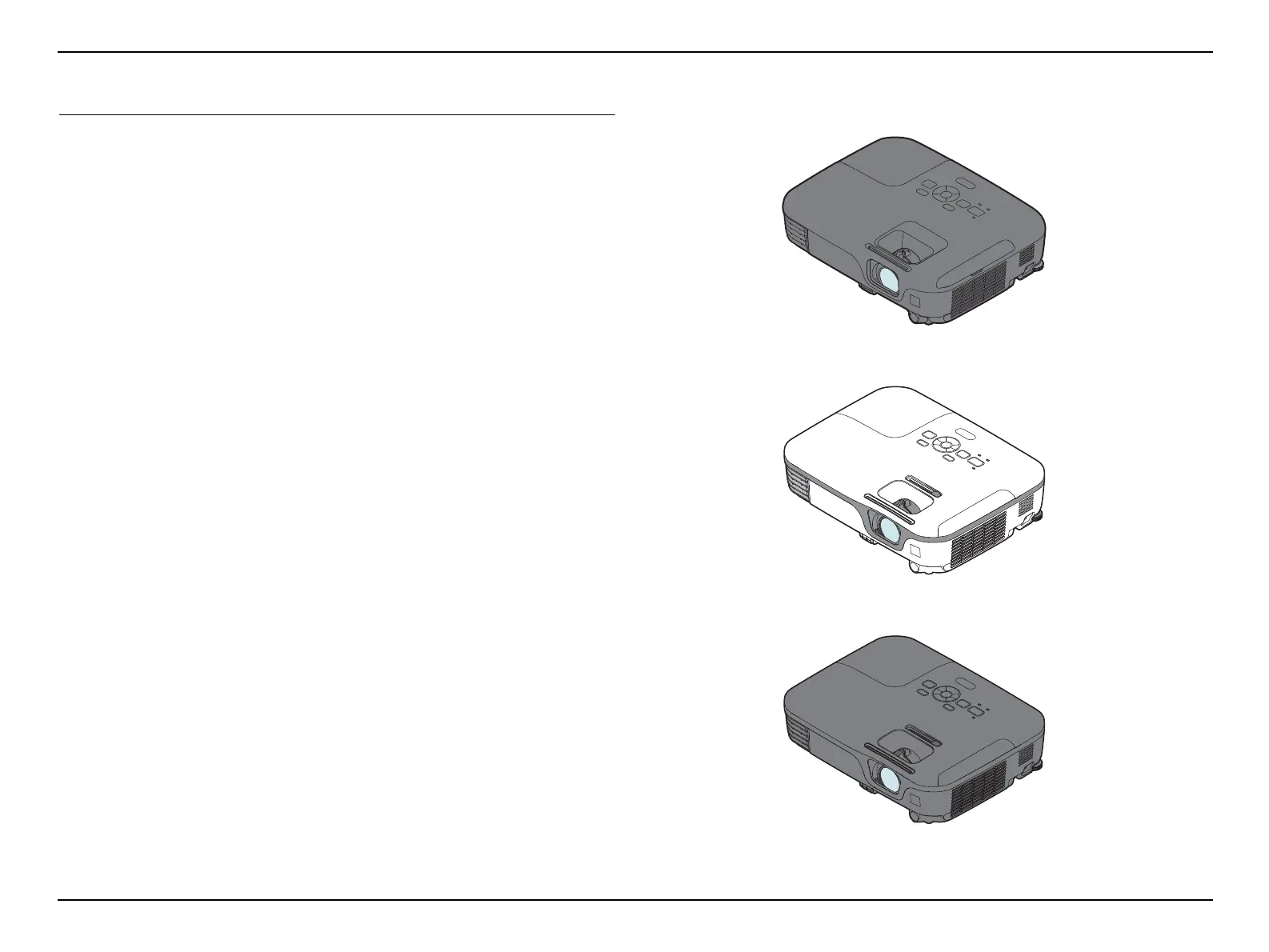
Figure 1-1. External View
Business Type B: EB-S11/X11/S12/S12H/X12/W12/X14
Business Type A: EB-S01/W01/X14G/S02/S02H/X02/W02
Home Type: EH-TW480



 To Next Page
 Loading...