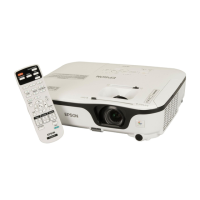
EB-S01/W01/X14G/S11/X11/S02/S02H/X02/W02/S12/S12H/X12/W12/X14 EH-TW480
Troubleshooting CONFIDENTIAL
SEIKO EPSON 44 Revision C
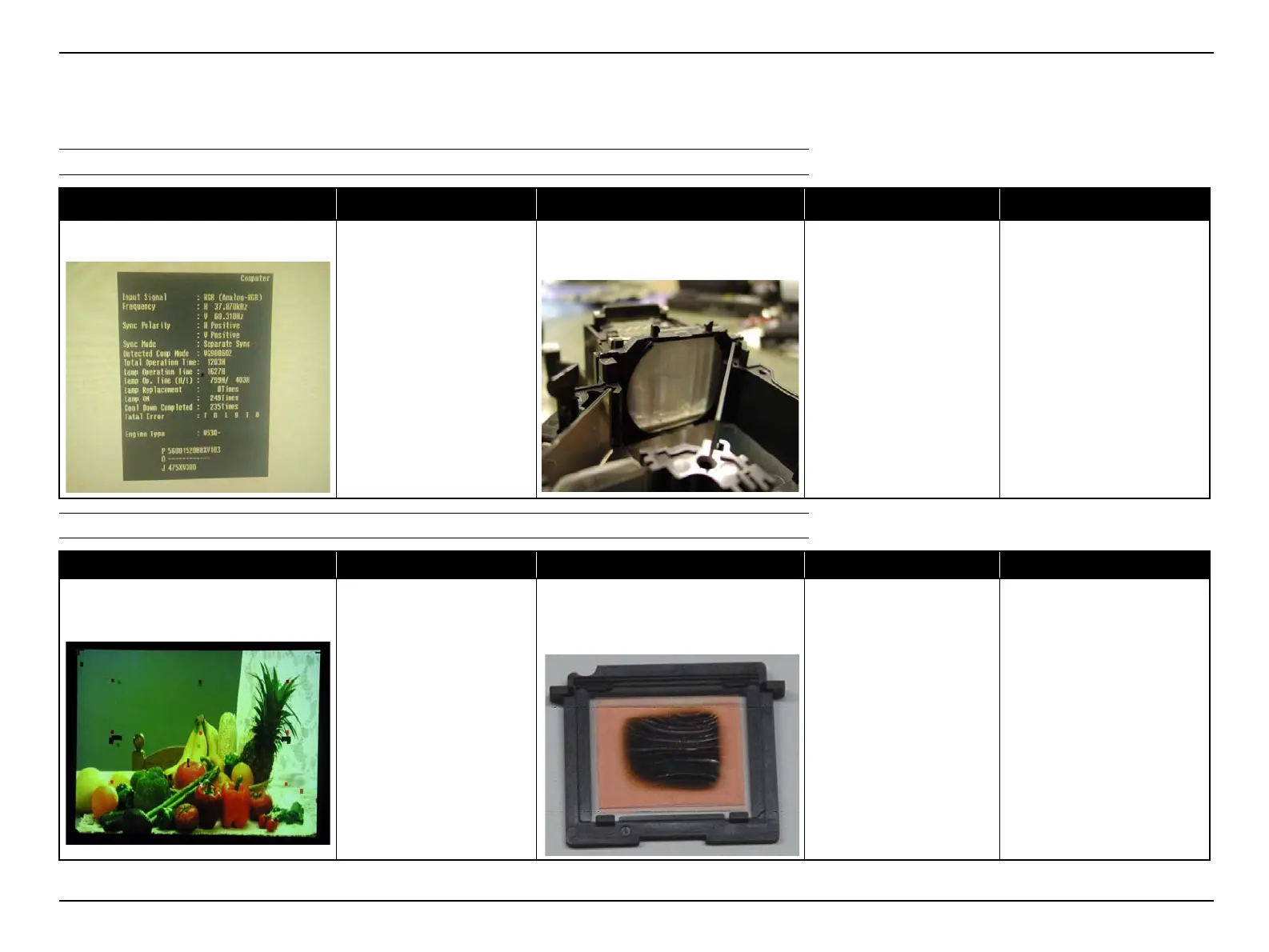
2.4.5 Troubleshooting on image abnormality
This section describes this projector’s possible troubles in image quality, and provides identification and troubleshooting procedures based on the observed phenomena.
Illumination reduction
COLOR NON-UNIFORMITY
Phenomenon Defective part/part name Cause Remedy Reference
The projected image became darker.
CONDENSER LENS;
D/FB/FG2/R
BDM/GDM
Mirror;R
MULTI LENS;A
Some optical parts might mist for some
reasons.
Clean the lenses, mirrors with a
nonwoven fabric wiper or
cotton bud moistened with
ethanol.
• "4.2.2 CONDENSER LENS;D/
FB/FG2/R (p125)"
• "4.2.3 BDM/GDM (p129)"
• "4.2.4 MIRROR;R (p131)"
• "4.2.6 MULTI LENS;A (p135)"
Phenomenon Defective part/part name Cause Remedy Reference
Color non-uniformity can be seen partially
in the projected image.
N POLARIZER UNIT;B/R
PBS MASK ASSY.2
Some optical parts may become
deteriorated due to the prolonged usage.
Some optical parts may be broken.
Replace the defective parts with
new ones.
• "4.2.1 N POLARIZER UNIT;B/R
(p122)"
• "4.2.5 PBS MASK ASSY.2
(p133)"



 To Next Page
 Loading...