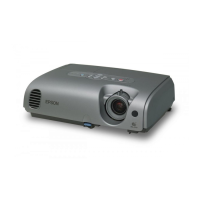
78
Procedure
1
Connect the power cable, and then
press the [Power] button on either
the projector's control panel or the
remote control to turn on the power
for the projector.
2
Press the [Menu] button on the
remote control.
The configuration menu will be displayed.
3
Select "Reset Lamp Timer" from the
"About" menu and then press the
[Enter] button.
4
Select "Yes" and then press the
[Enter] button.
The lamp operating time will then be
reset.
Projector
Menu
A/V Mute
E-Zoom
Freeze
Enter
Remote control
Frequency
Video Source
V ---.--Hz
Reset Lamp Timer
H ---.--kHz
Lamp 1400H
SYNC Mode
SYNC Polarity
------
H ------
Resolution
Refresh Rate ---.--Hz
--- x---
Computer
Input Signal RGB
Execute
:
:
:
:
:
:
V ------
:
:
:
:
:
Reset Lamp Timer
Execute?
YES
NO
Maintenance



 To Next Page