10
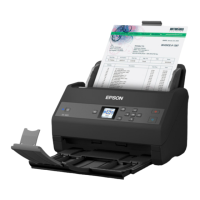
4 Displays available menus
5 Press the arrow button to scroll through available menus
6 Displays available button actions
Parent topic: Control Panel Buttons and Lights
Viewing Animations
You can view animations on the LCD screen to help guide you with a procedure or to troubleshoot a
problem.
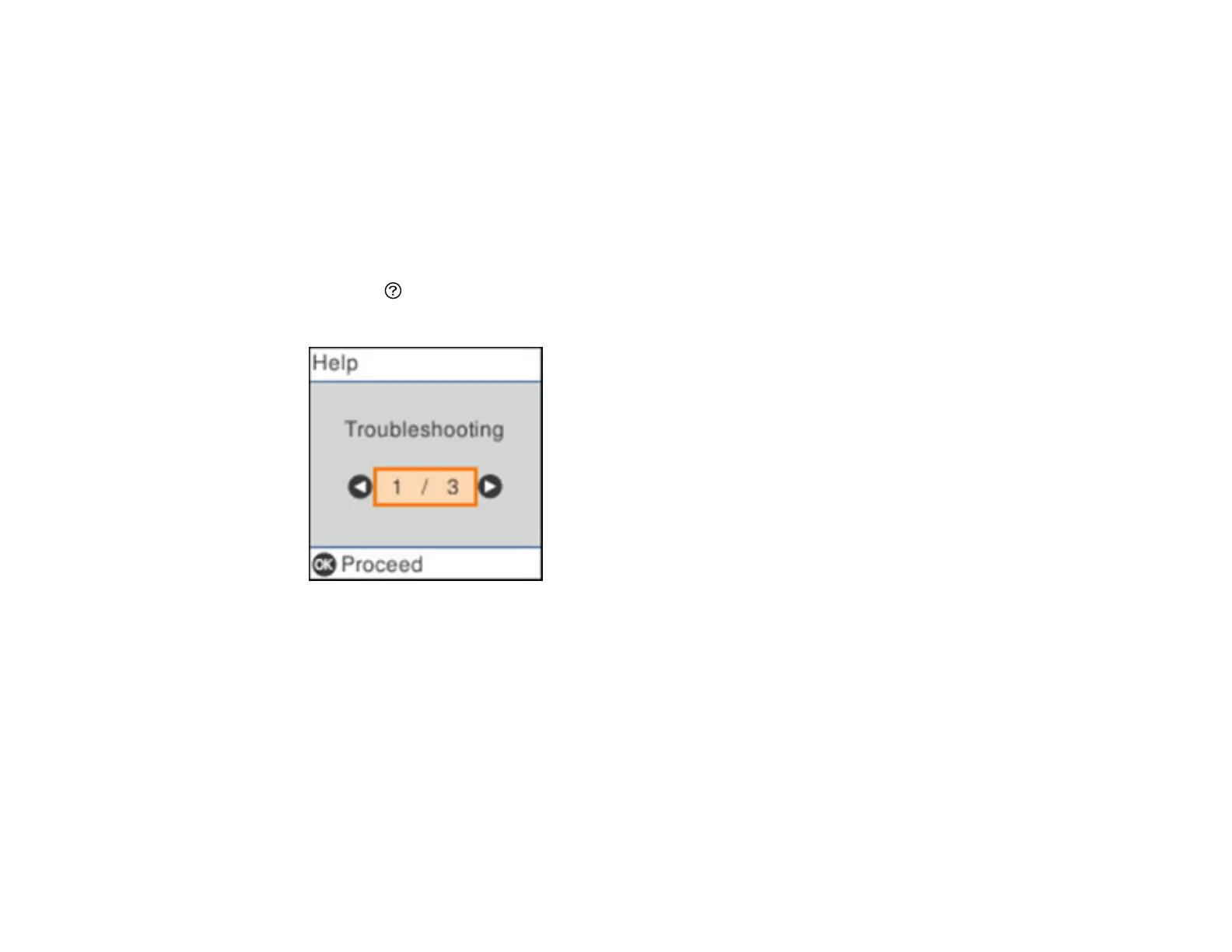
1. Press the help button to display the Help screen.
You see a screen like this:
2. Select Troubleshooting if you are experiencing a problem or How To to view instructions on
common procedures.
3. Select a topic from the list of available topics and follow the on-screen instructions.


 To Next Page