77
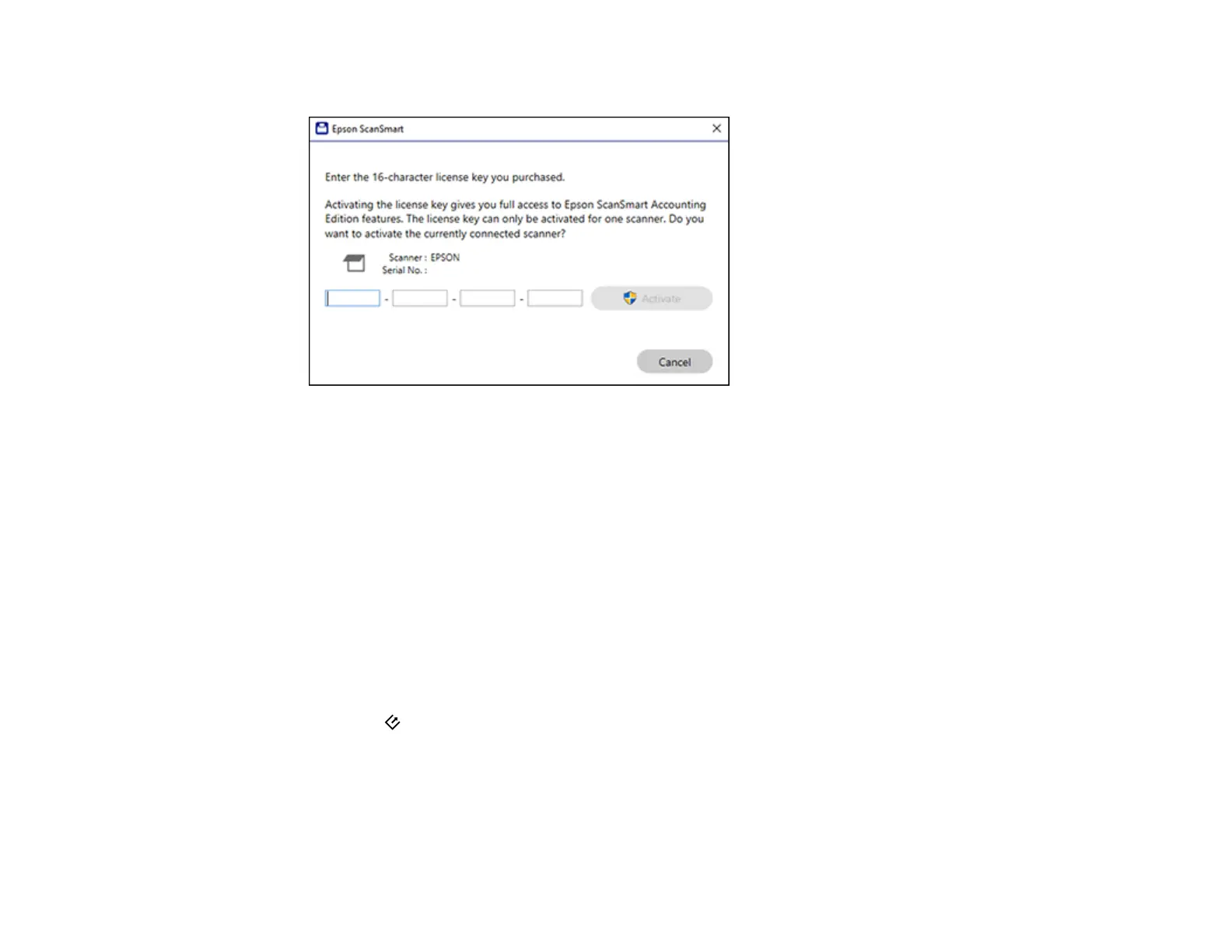
You see a screen like this:
6. Enter the license key you purchased and click Activate.
7. Click Yes on the next screen (Windows only).
8. When you see a message indicating that activation was successful, click OK.
The activated scanner and license key appear in the License Management List.
Parent topic: Scanning Using Invoice/Receipt Manager
Scanning Invoices and Receipts and Using Invoice/Receipt Manager
You can scan invoices and receipts and manage the data in Invoice/Receipt Manager.
Note: Invoice/Receipt Manager is available for select scanner models. Availability varies by country.
1. Load your original invoices or receipts into the scanner.
2. Press the start button on the scanner.


 To Next Page